DUOMO · Freelance product design
Increasing adoption and repeat usage of Prayer Requests.
DUOMO is an existing faith app built around a daily spiritual journey — Scripture, lessons, reflection and journaling. I did not design this app. My task was to increase adoption and repeat usage of its Community Prayer Requests. I audited the product as it already existed, identified why the feature stayed unused, and proposed the design concepts in the section below as my recommended changes.
Role
Product Designer (freelance)
Goal
Adoption & repeat usage of Prayer Requests
Scope
Product audit · Problem framing · Design concepts · Experiment plan
Note
Existing app screens are DUOMO's product, not my design
01 — The context
The journey created the need to pray. The feature sat somewhere else.
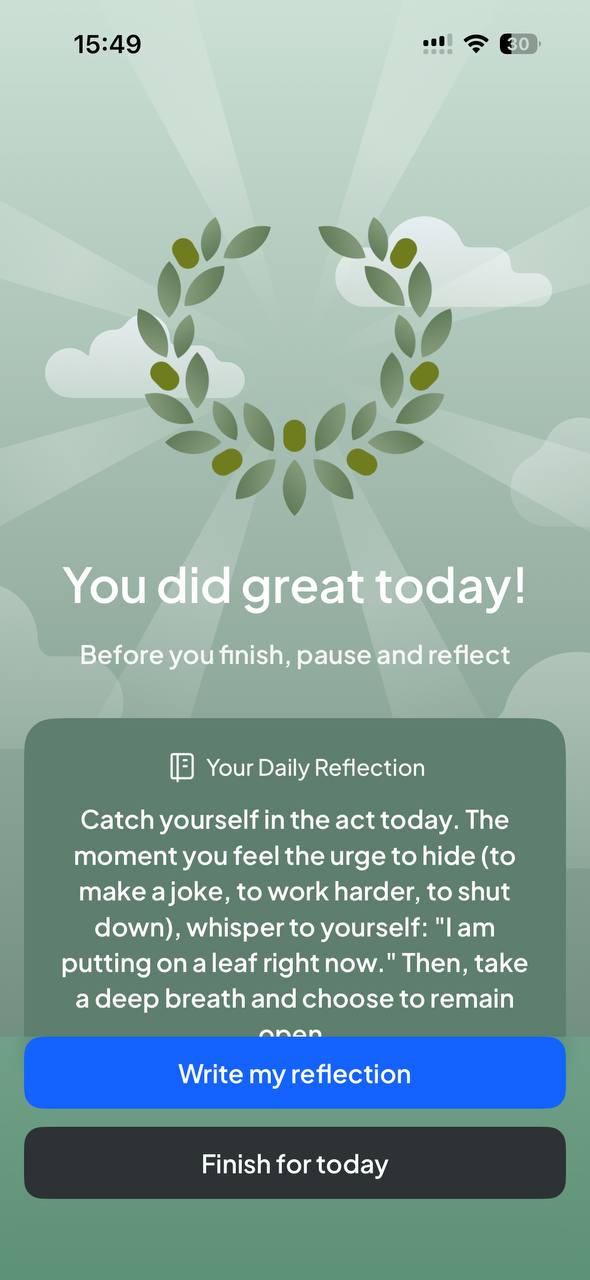
A DUOMO day moves through Journey, Scripture, a quiz, a one-time action, reflection and journaling. Every one of those steps surfaces something personal. Prayer Requests — the one place to hand that to other people — was a separate tab the user had to remember to visit.
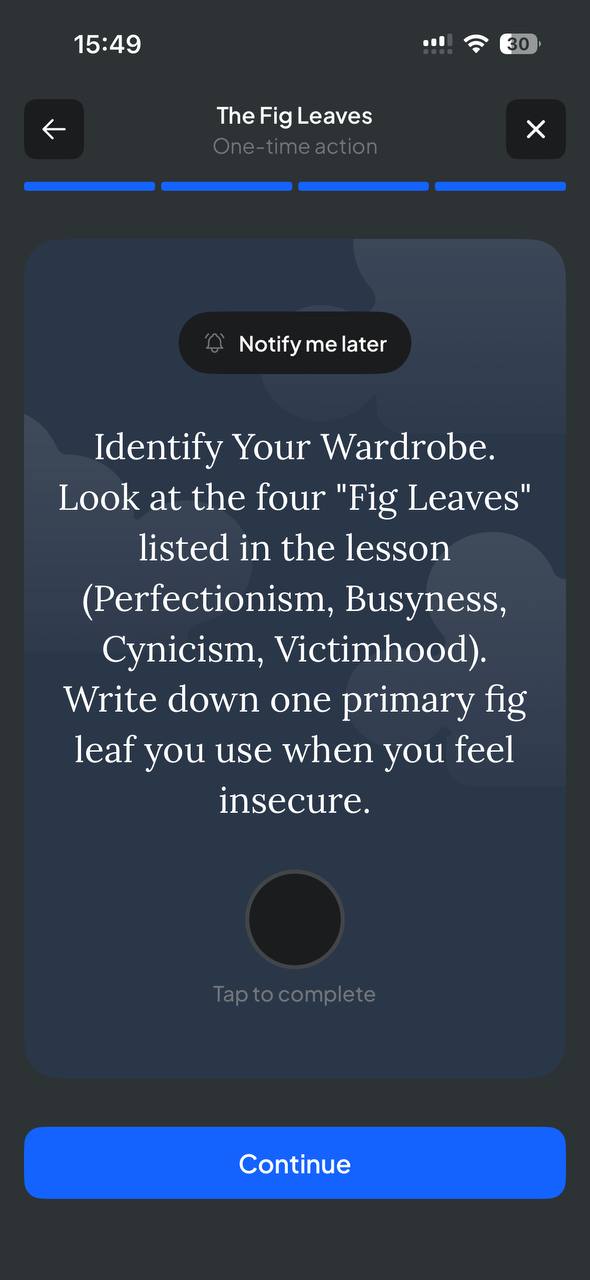
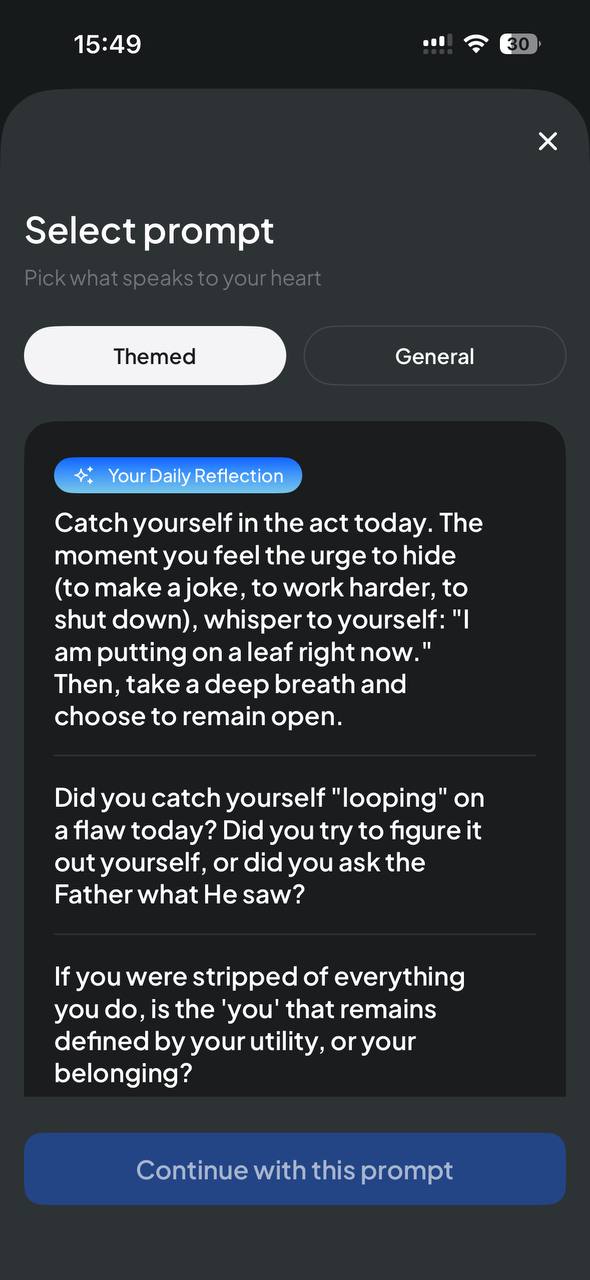
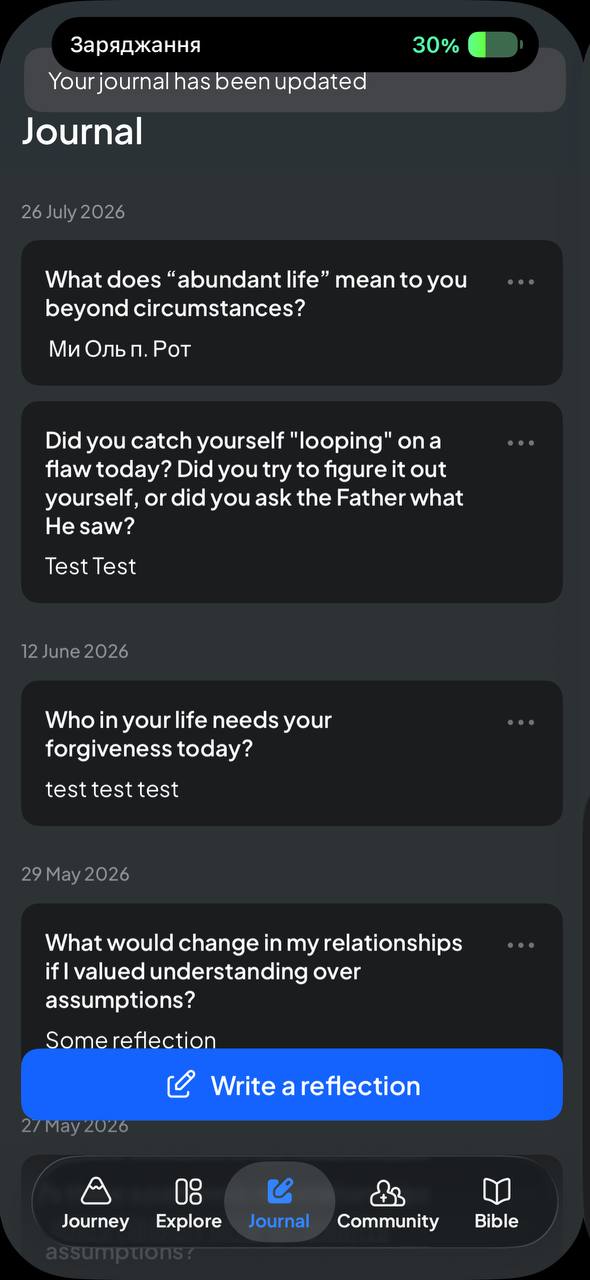
People were already opening up inside the app. They just weren't being invited to ask for prayer while they were still in that moment.
01b — Product audit — the existing app
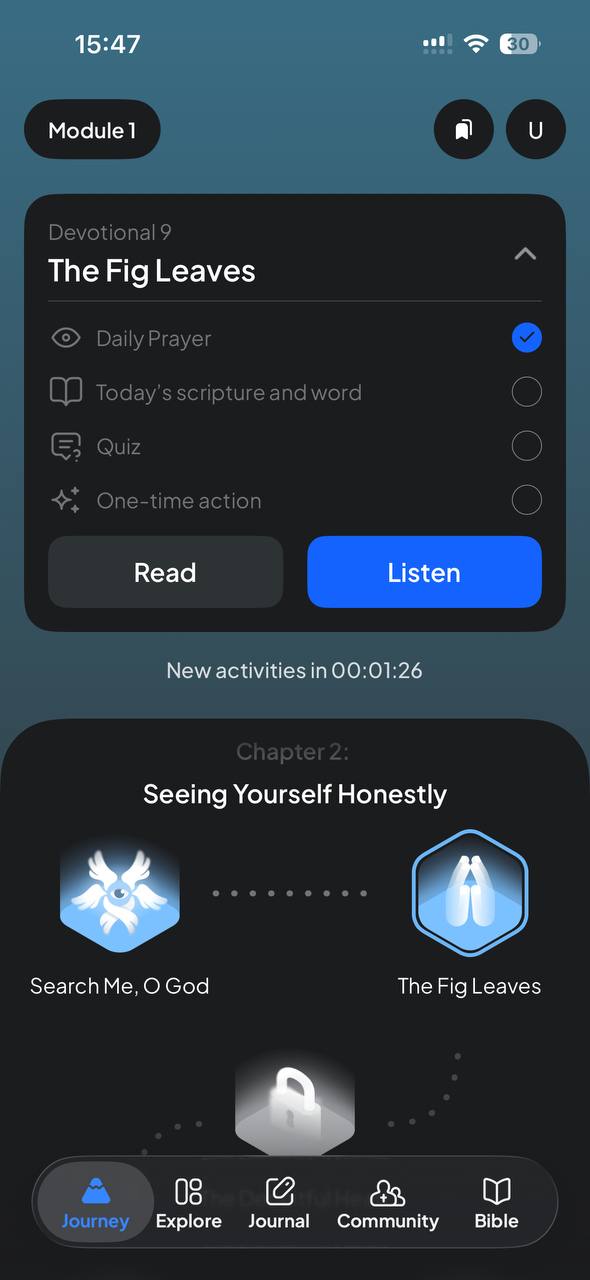
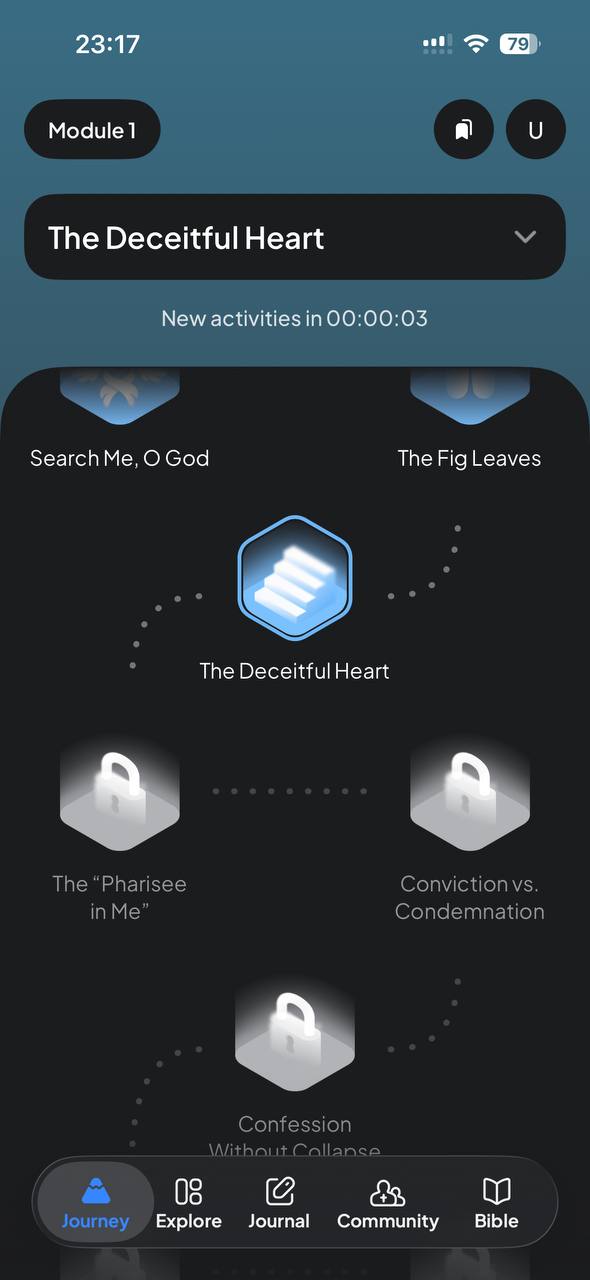
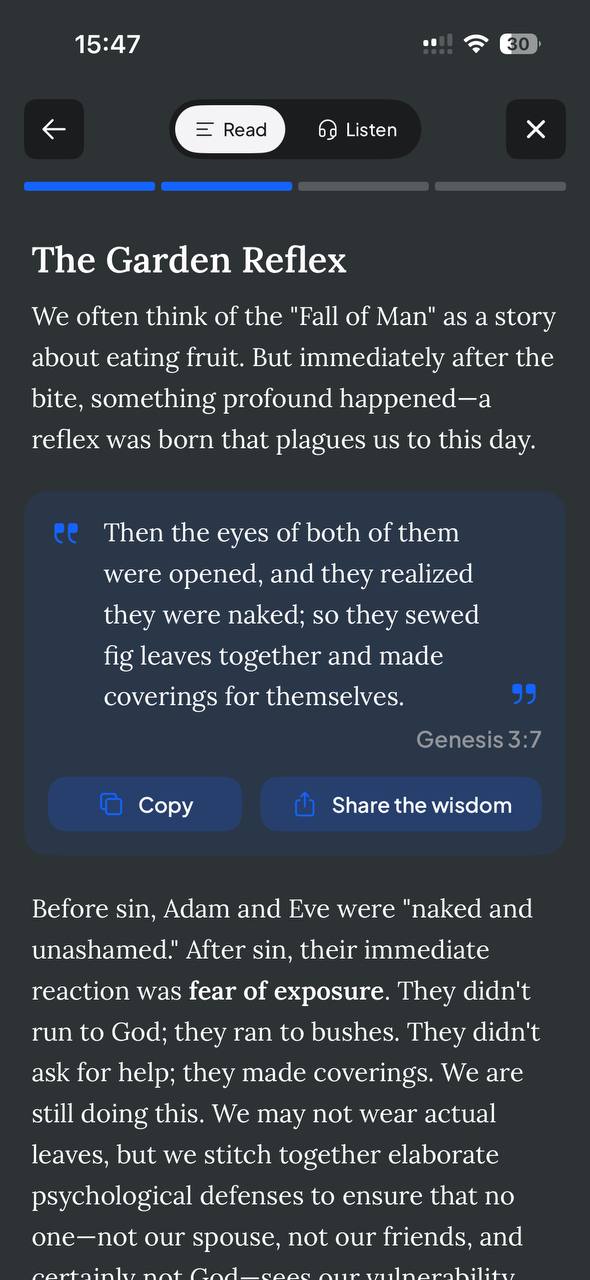
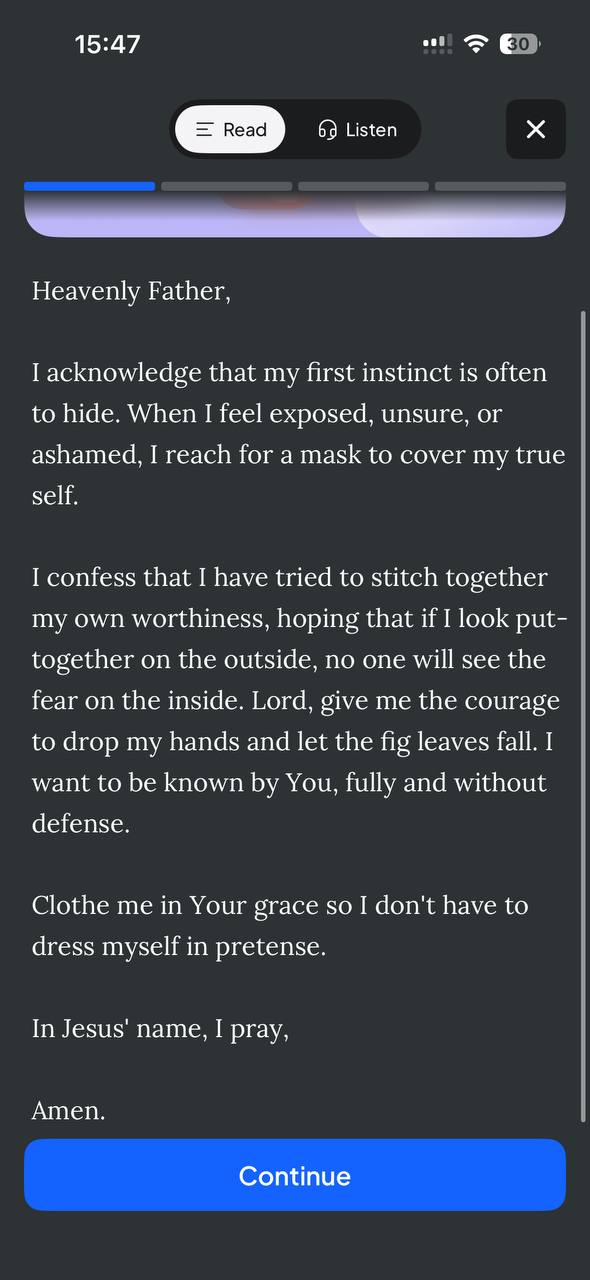
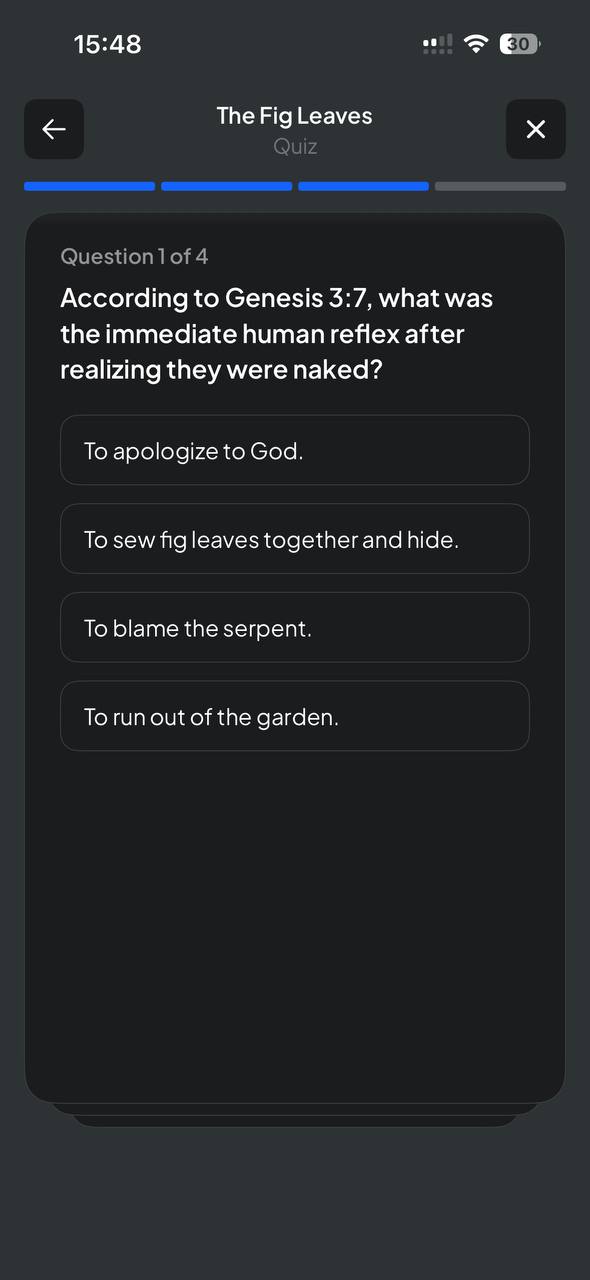
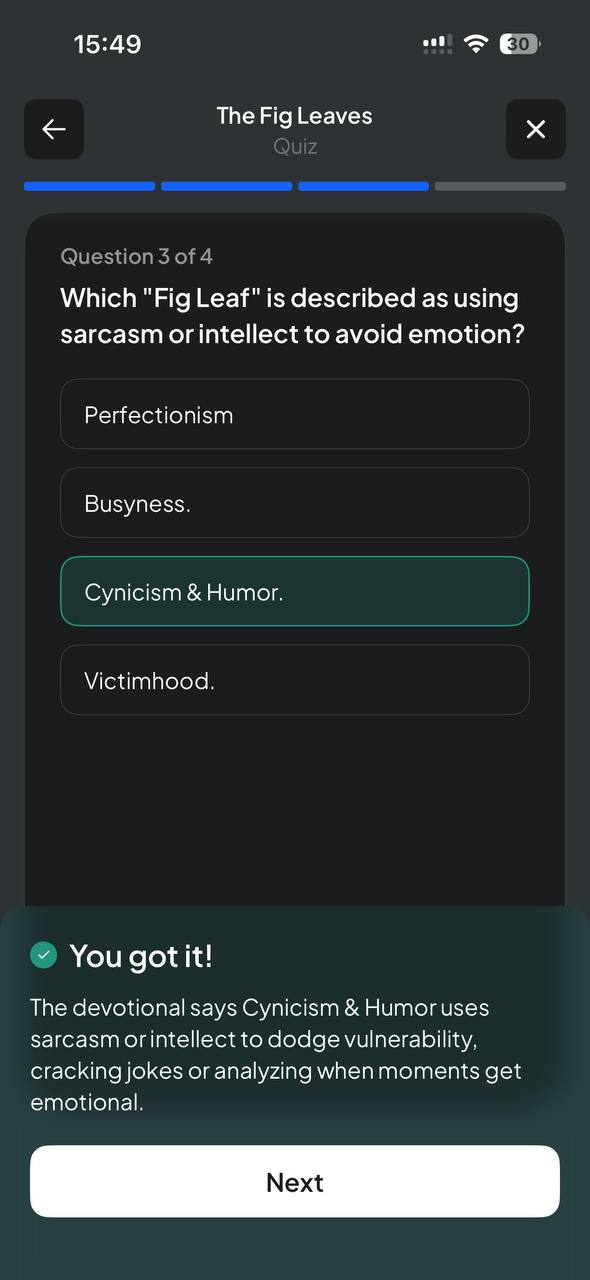
A guided day: module, devotional, prayer, quiz, action.
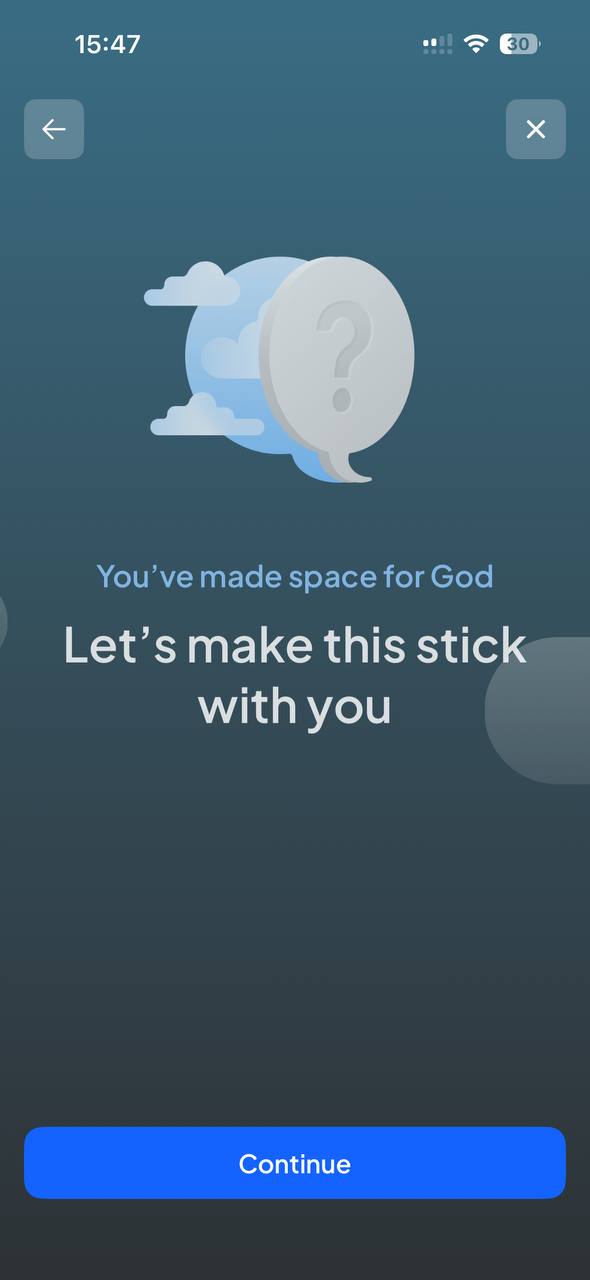
These screens are DUOMO's existing product, not my design. To place Prayer Requests correctly I audited the full daily flow the app already had — the journey map with locked and unlocked devotionals, the Read/Listen devotional, the written prayer, the quiz with instant feedback, and the closing screen that asks the user to make it stick.

01c — Product audit — the wider surface
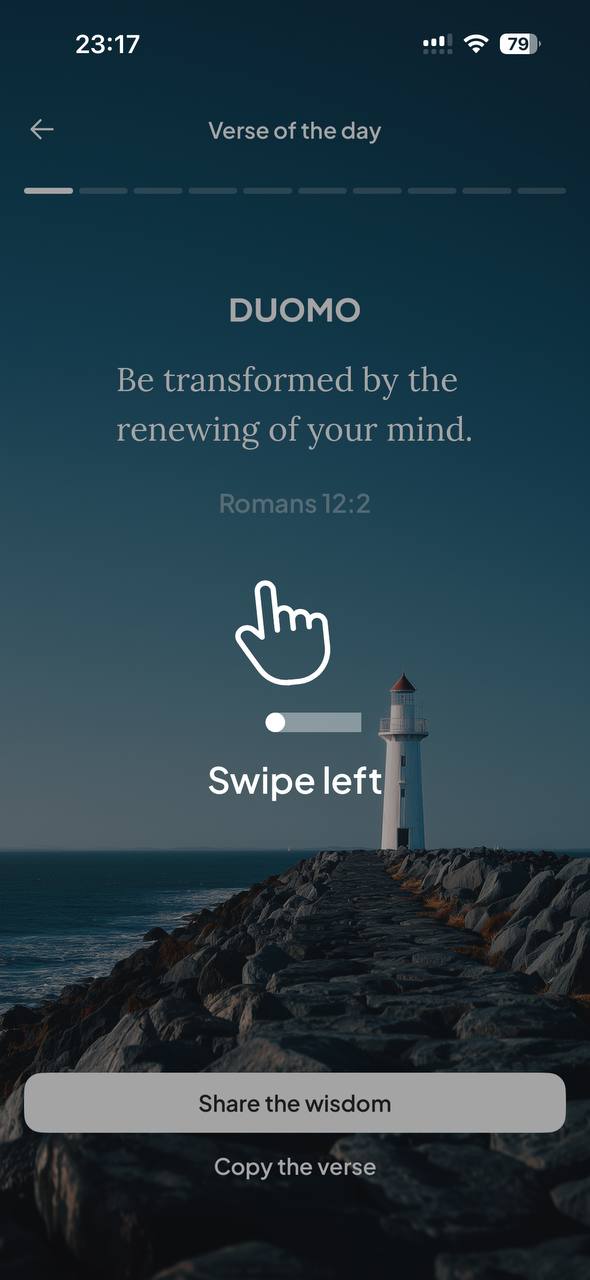
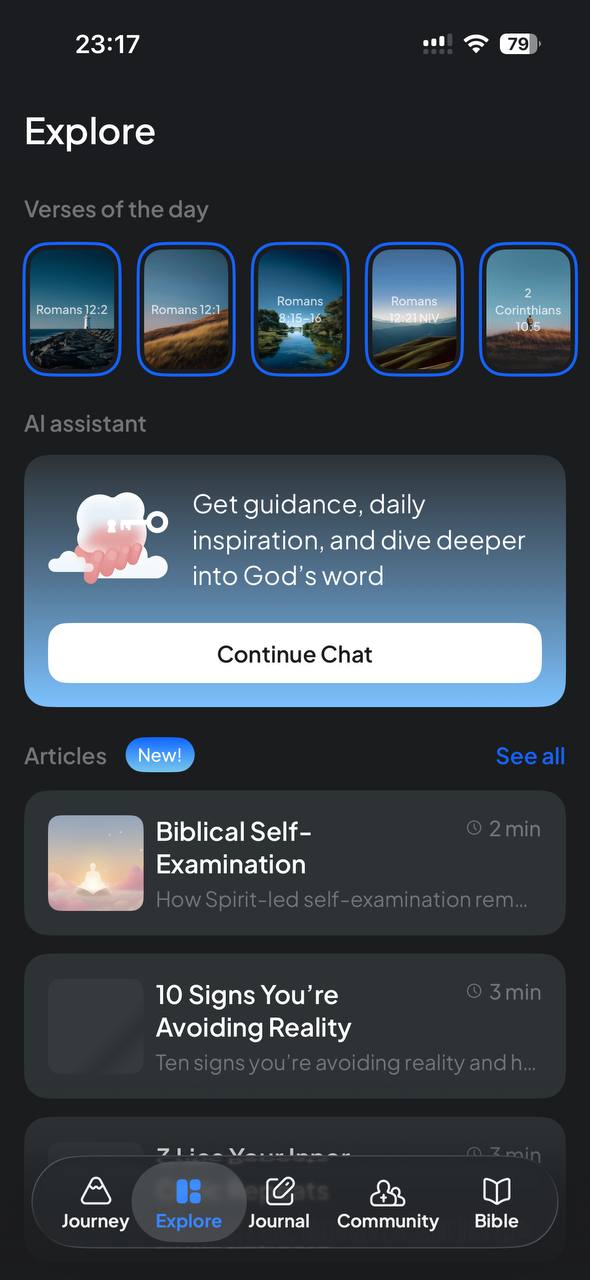
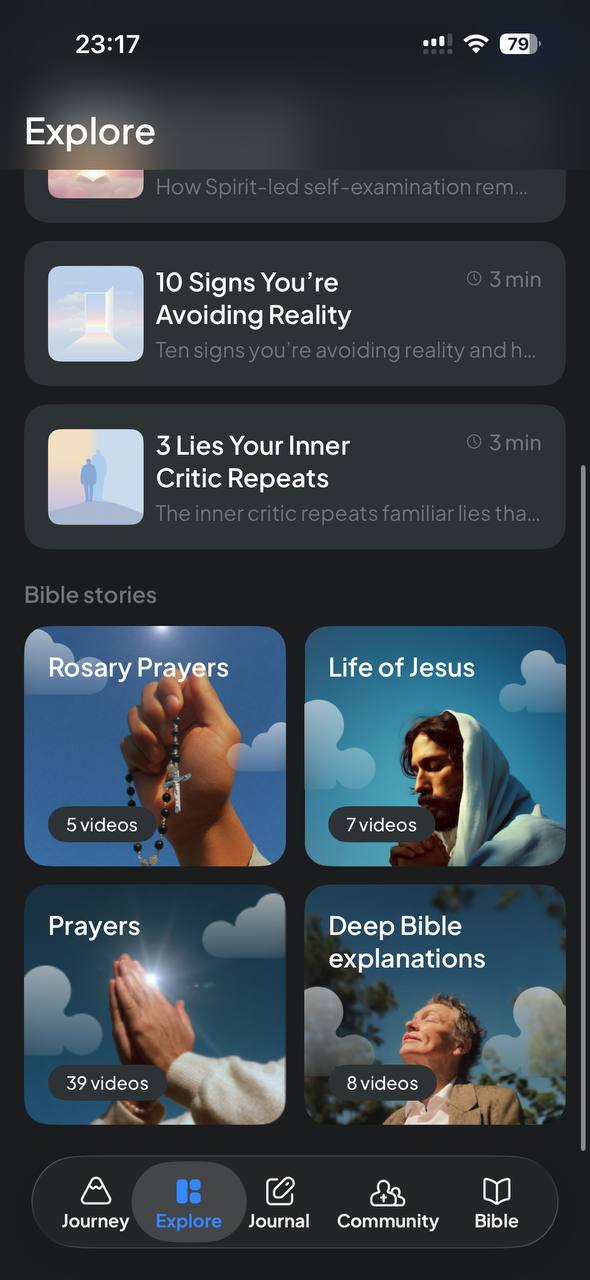
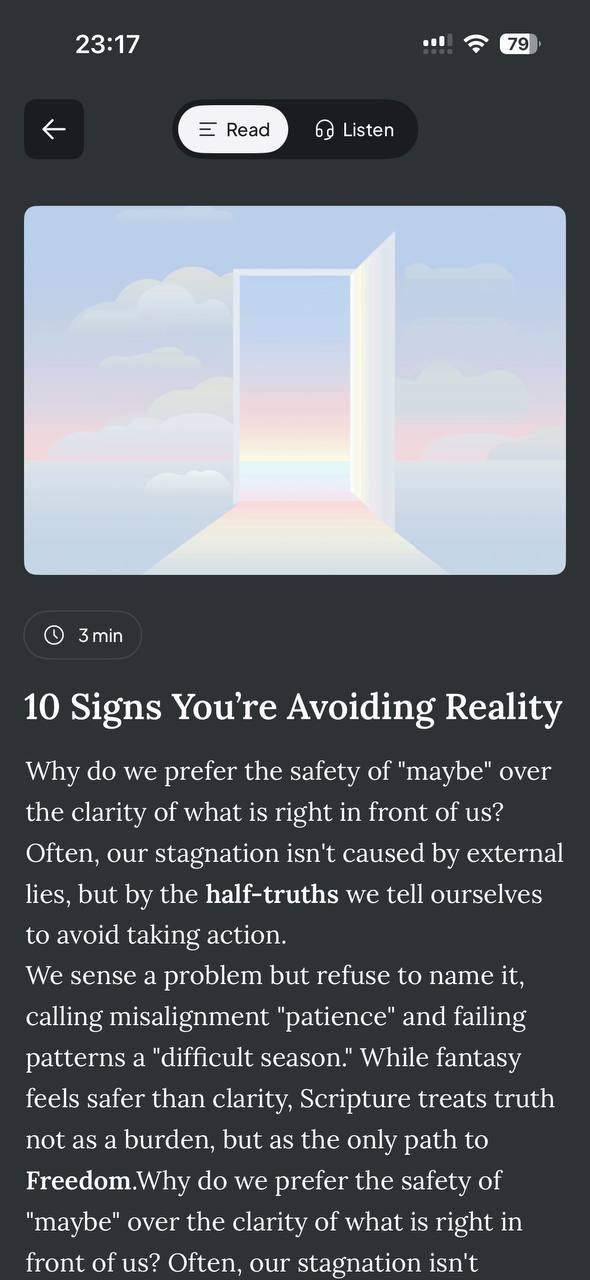
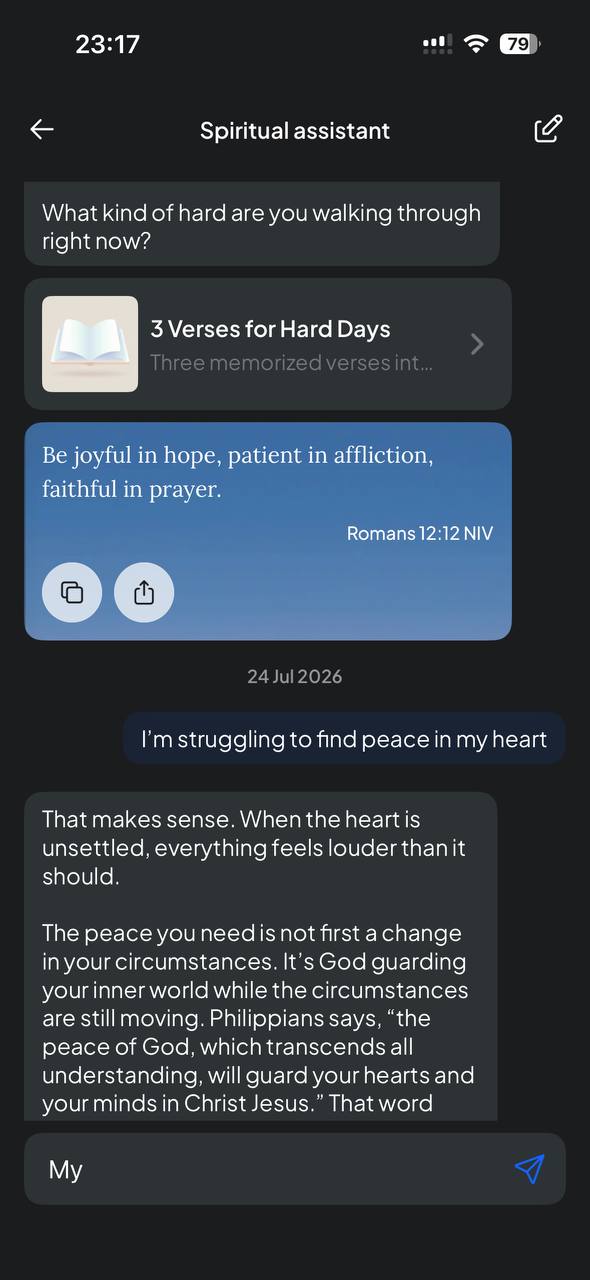
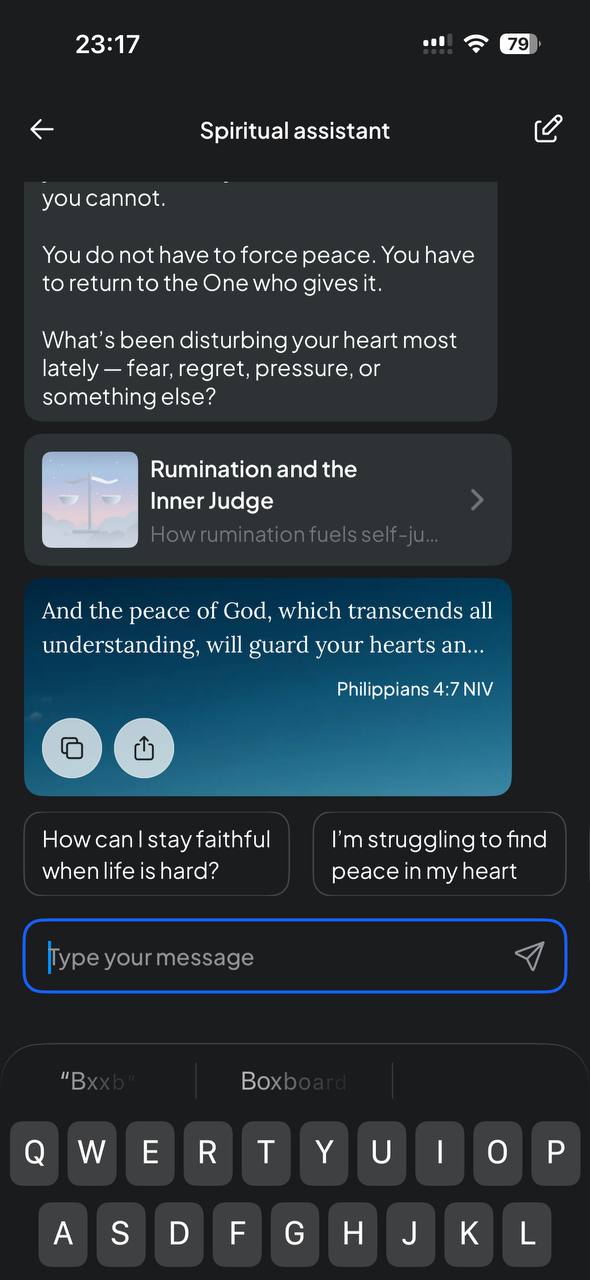
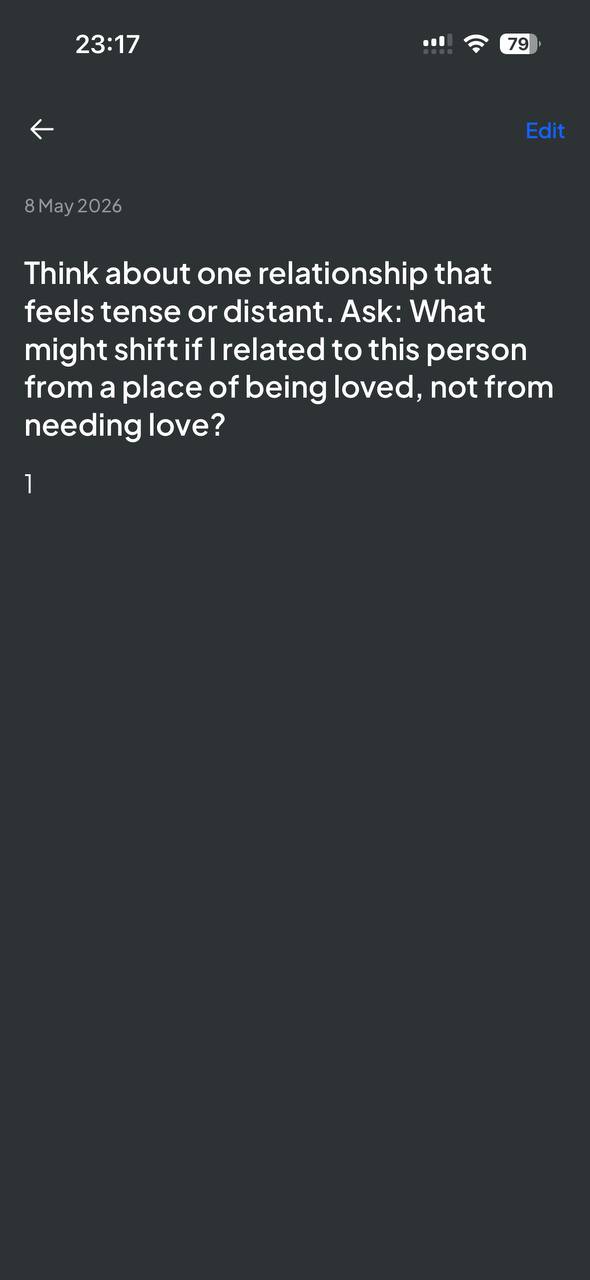
Explore, verse of the day, the spiritual assistant and journaling.
Also existing product. Beyond the daily devotional the app carries a verse of the day, an Explore library of articles and Bible story collections, an AI spiritual assistant that answers in Scripture, and a journal with guided questions. Each is a moment where something personal surfaces — and therefore a candidate entry point for a prayer request.
01d — Product audit — community & Bible
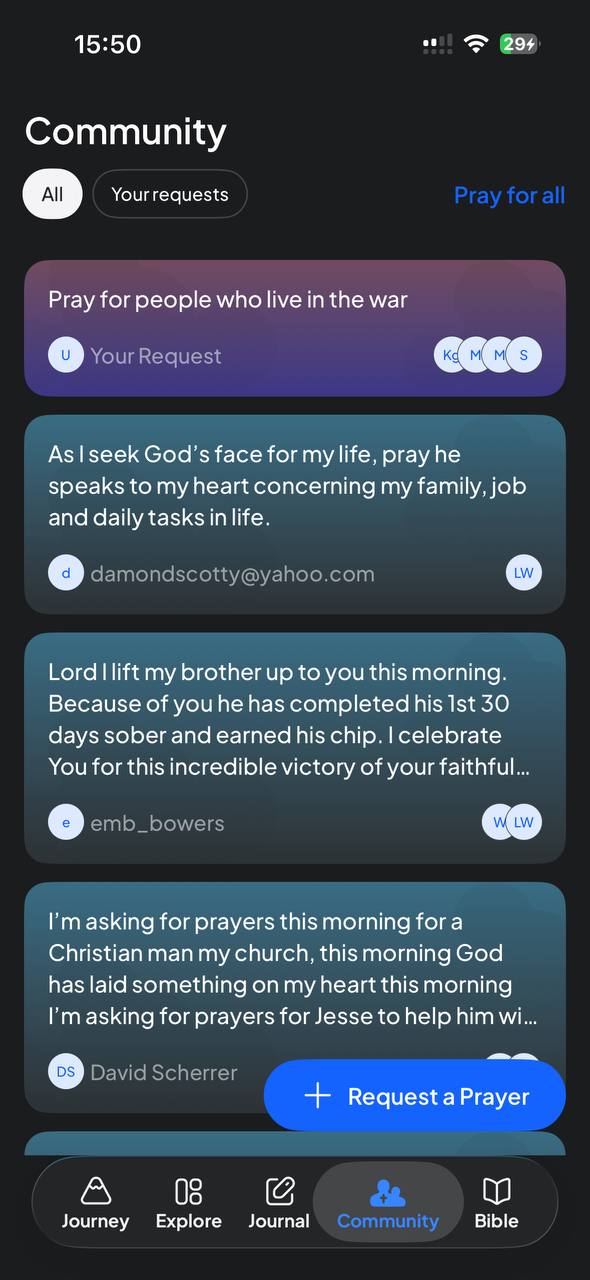
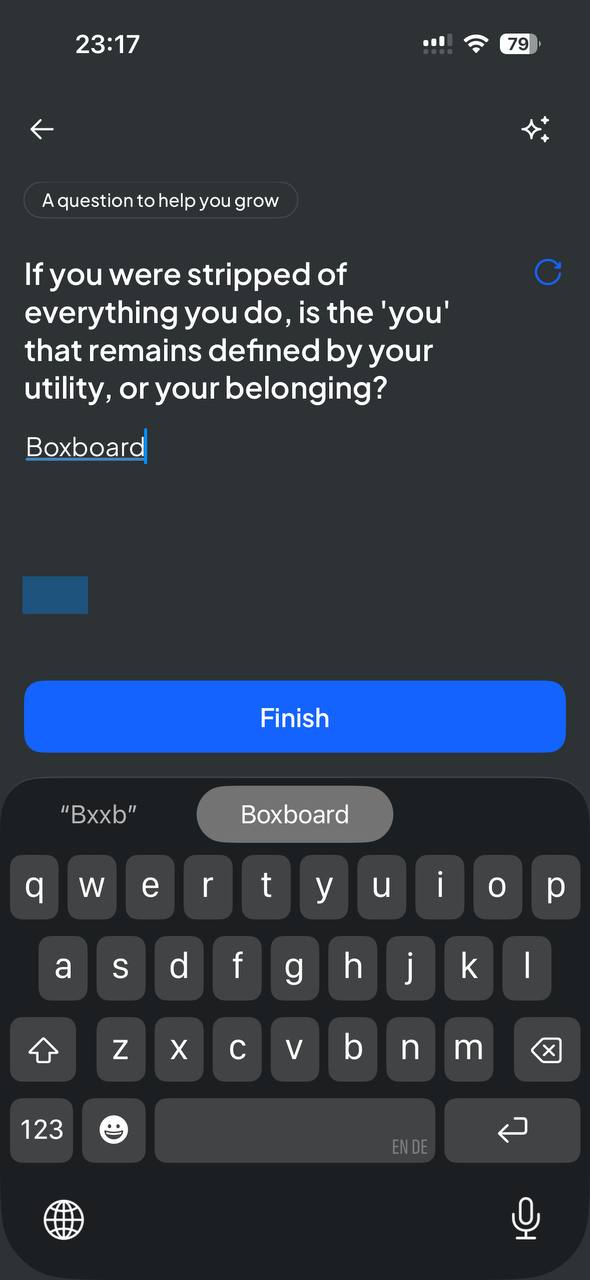
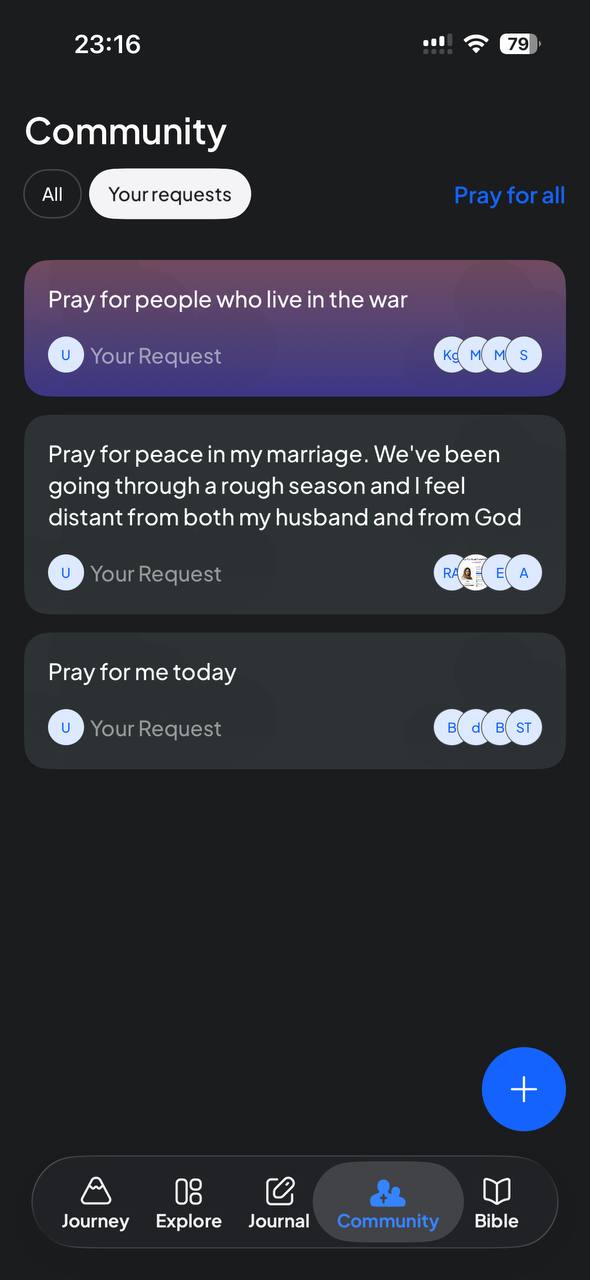
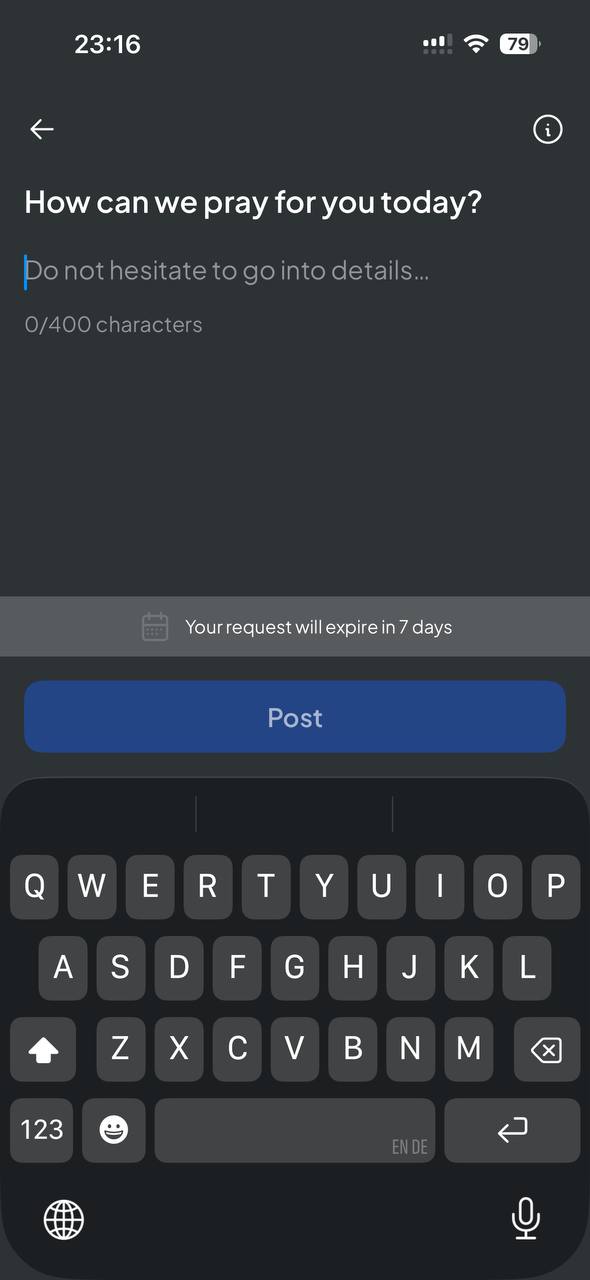
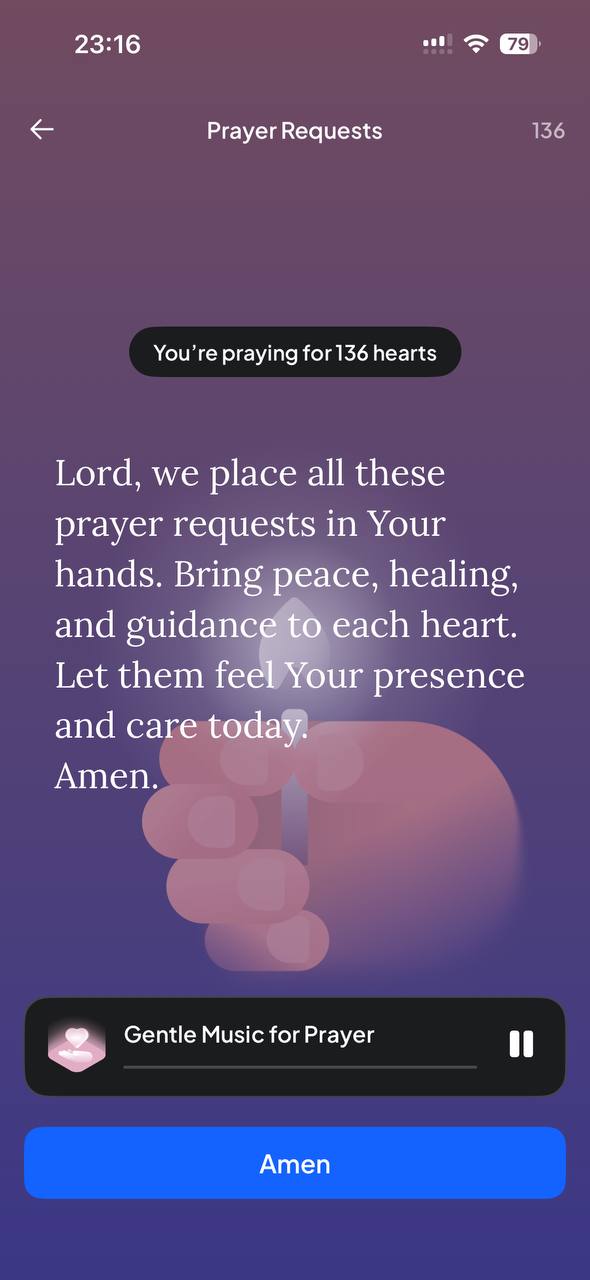
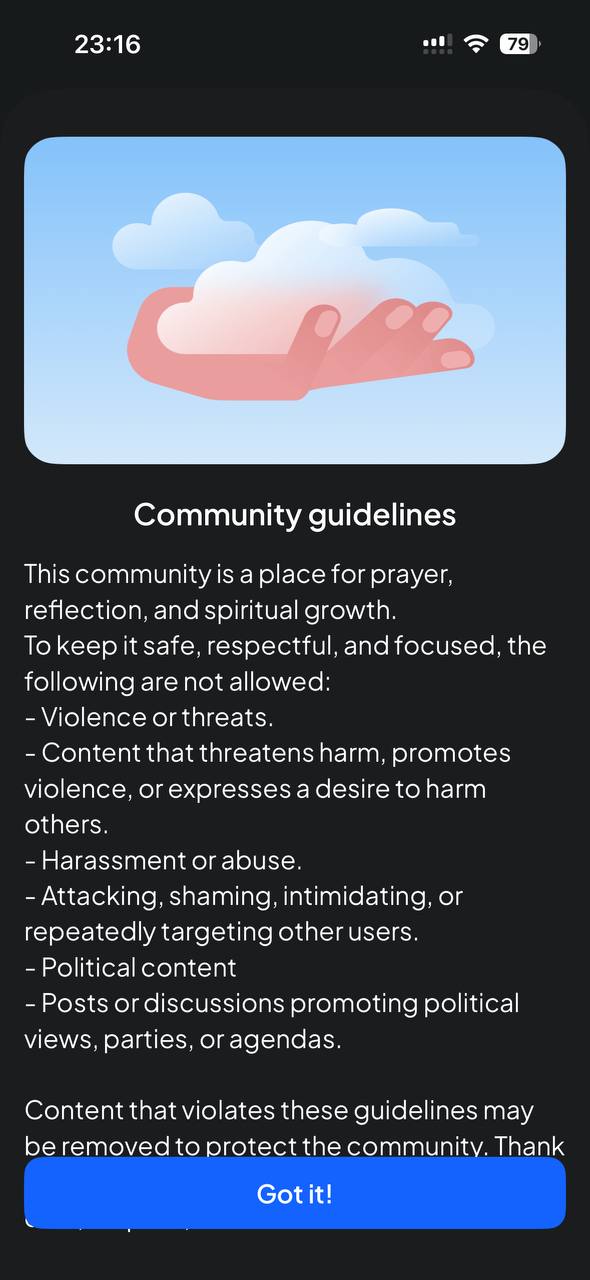
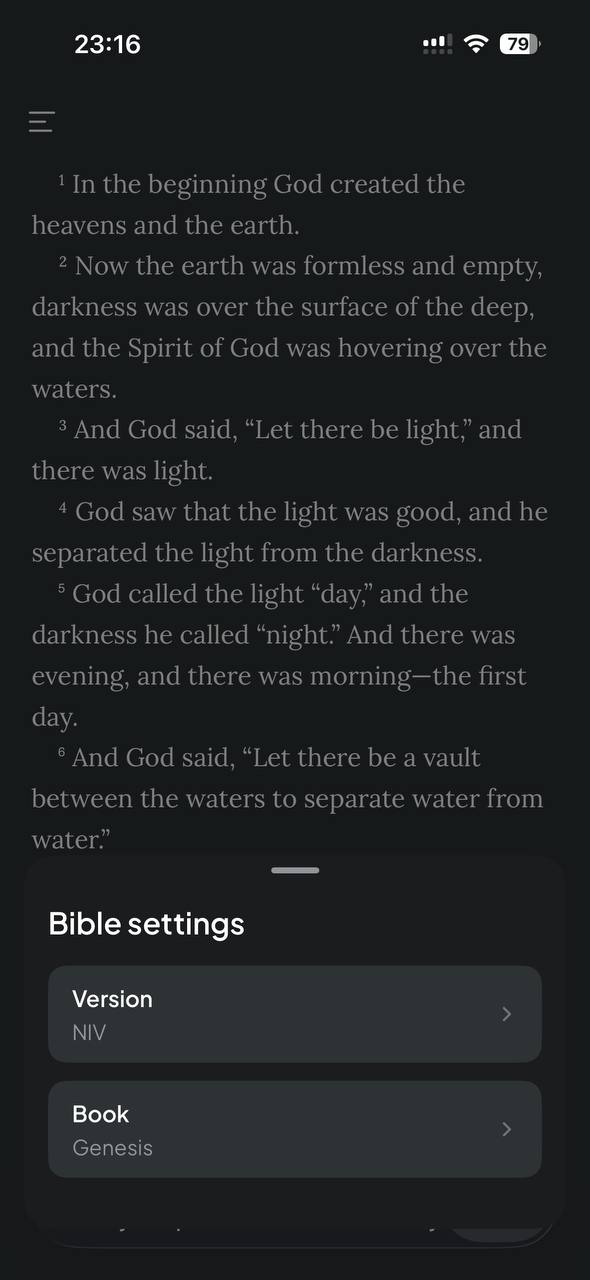
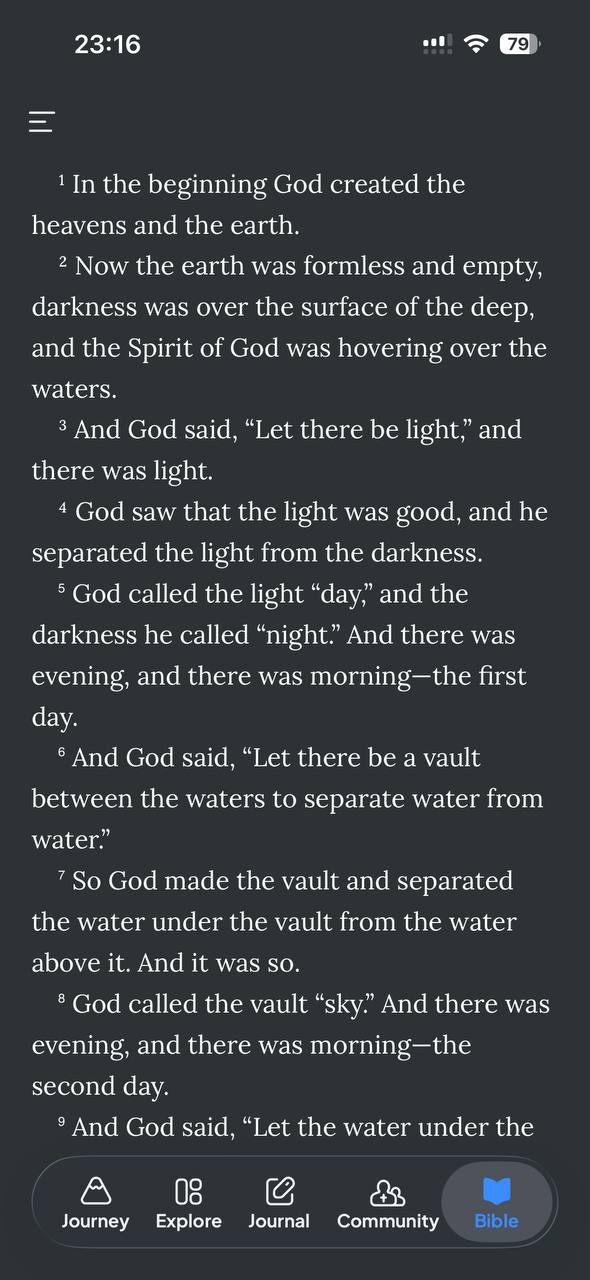
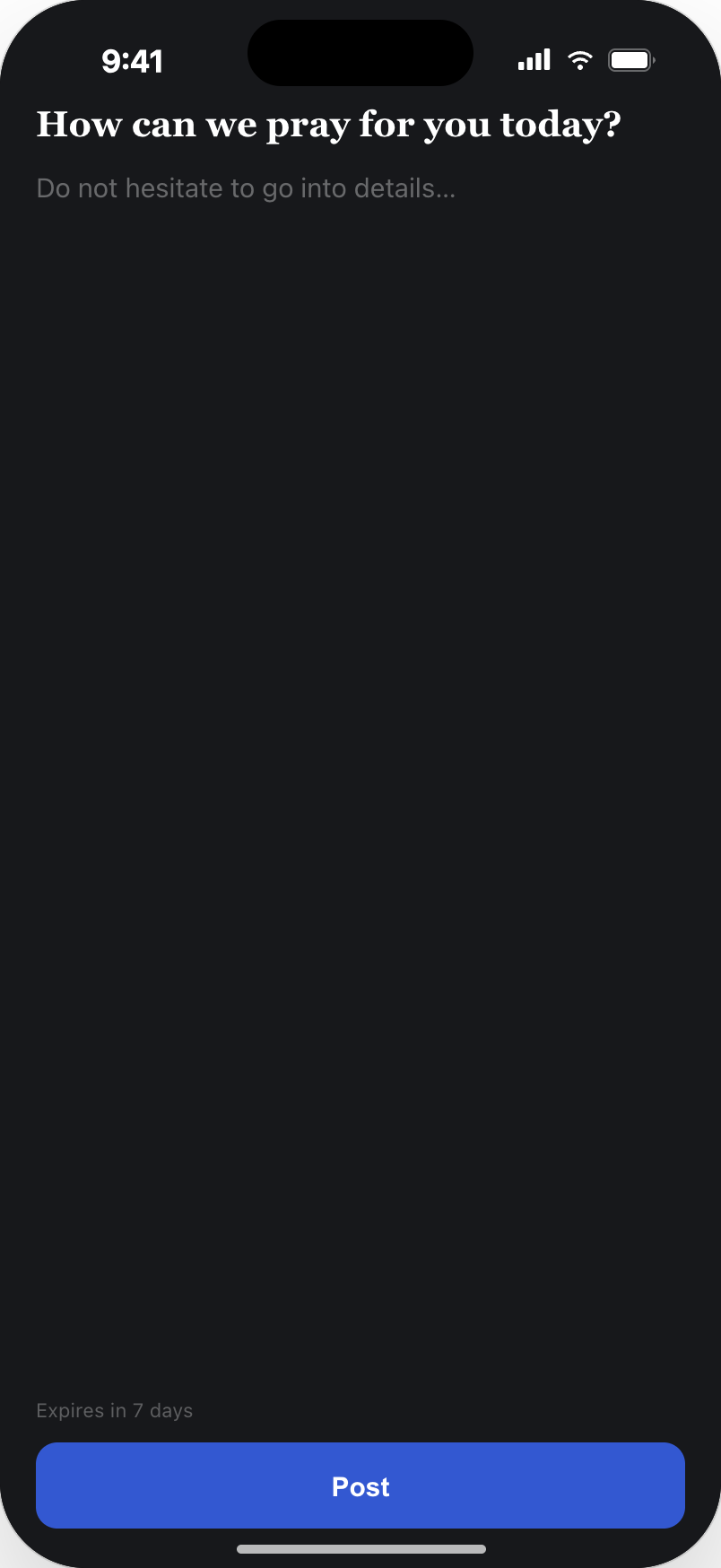
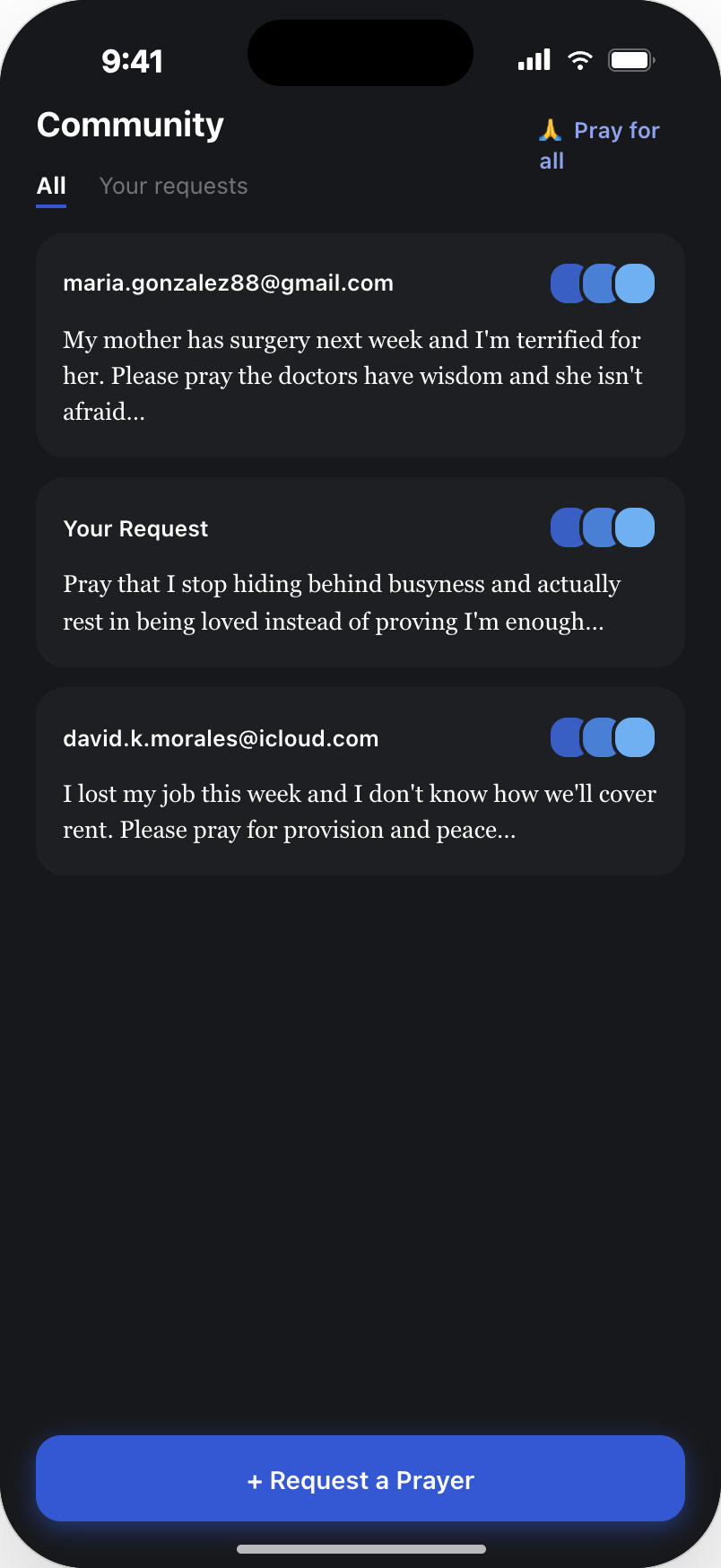
The community tab, the group prayer ritual and the Bible reader.
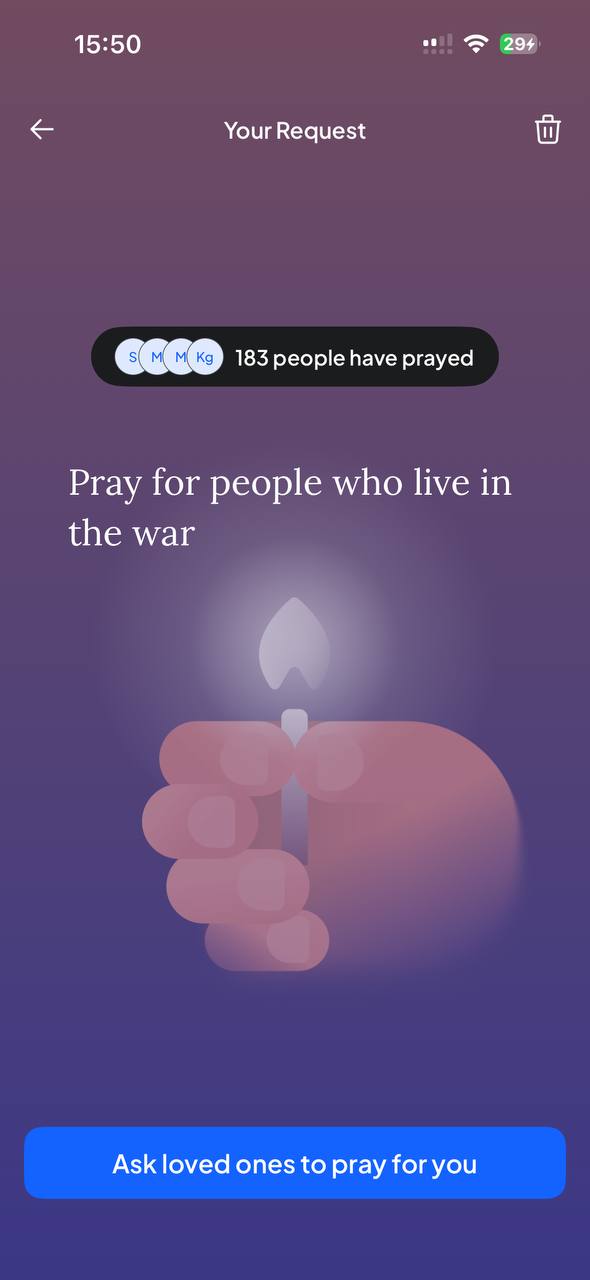
The feature as it shipped before my work. Community holds two views — everyone's requests and your own — plus a collective 'Pray for all' ritual with gentle music, guidelines shown before the first post, a 400-character composer with a 7-day expiry, and the Bible reader with version and book settings.
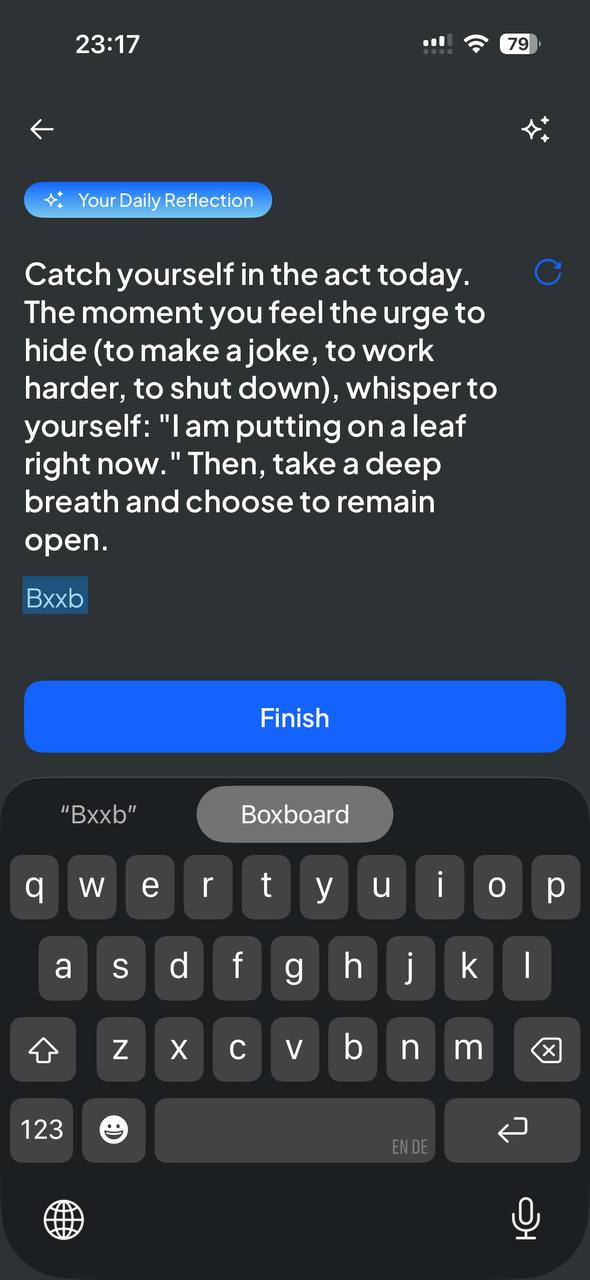
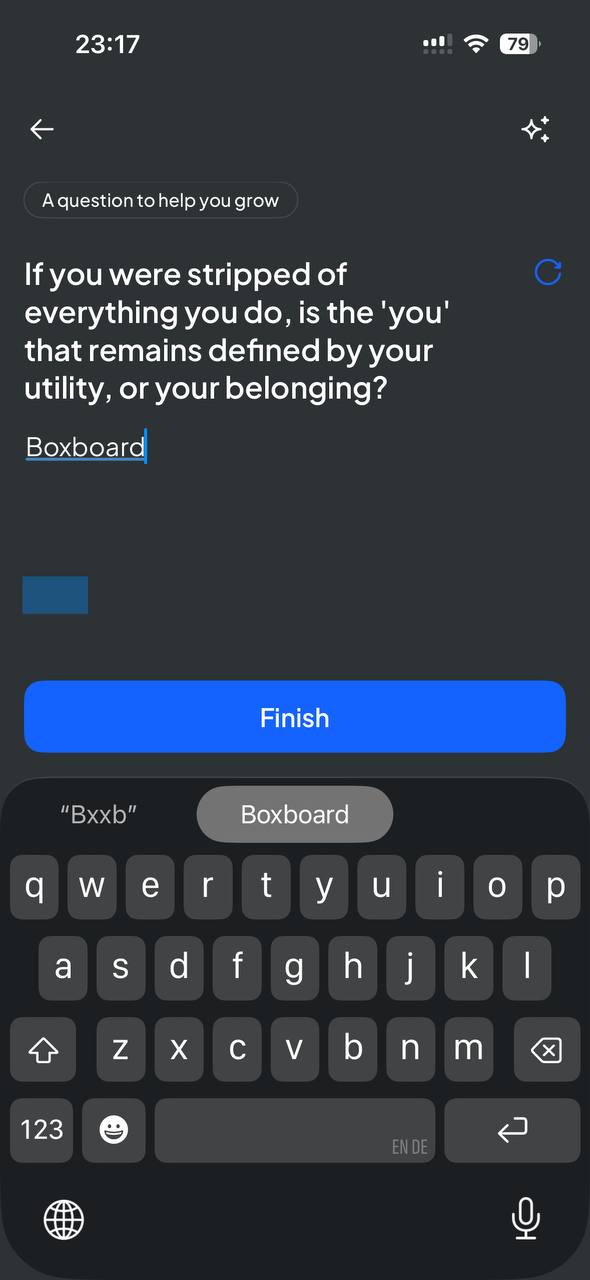
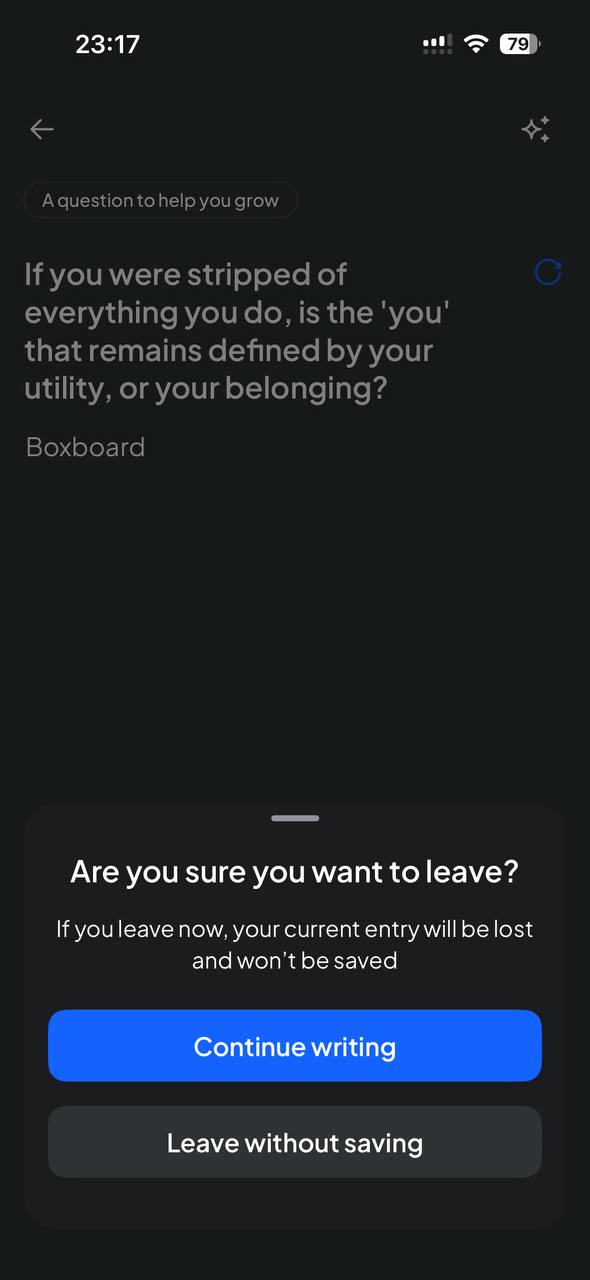
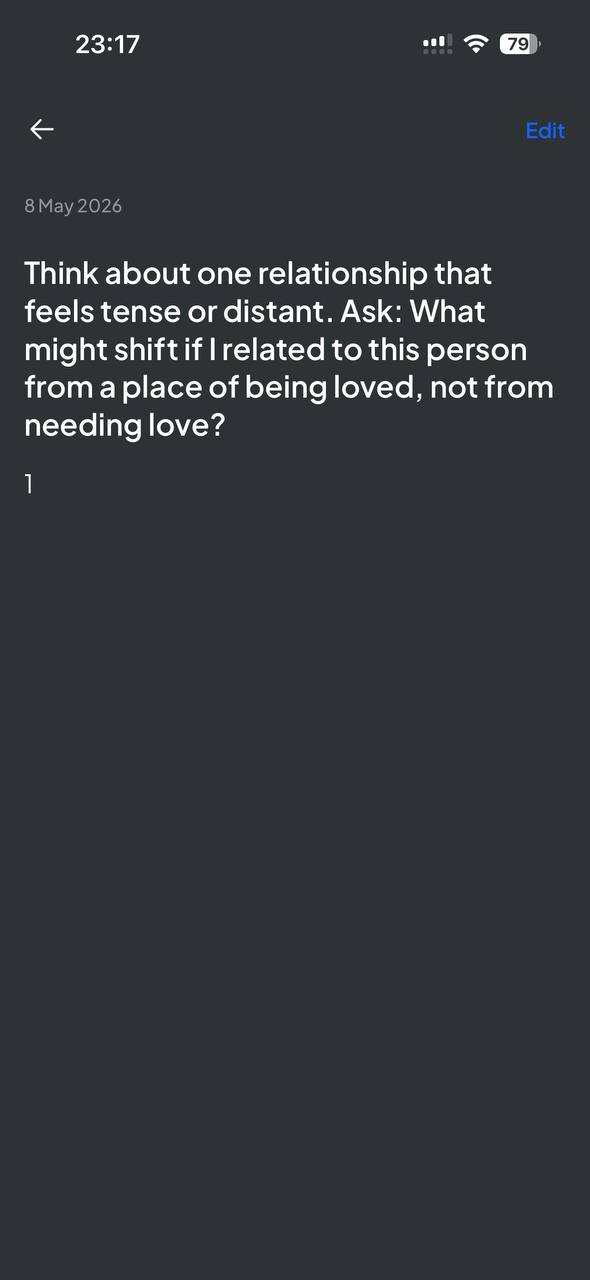
01e — Product audit — reflection & journaling
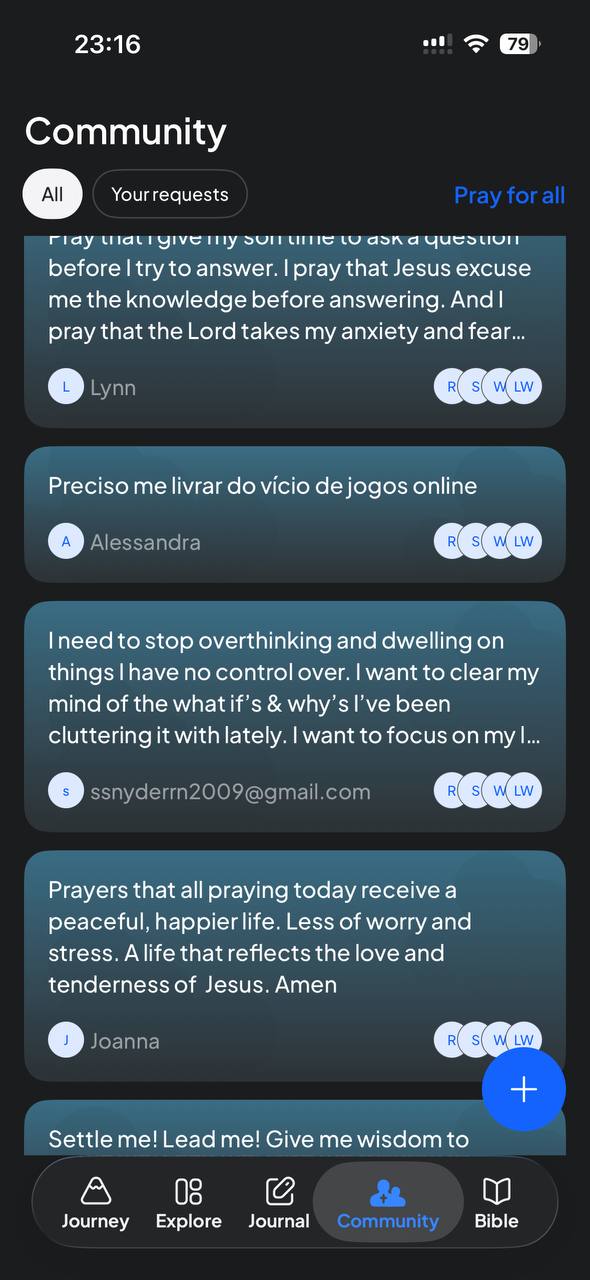
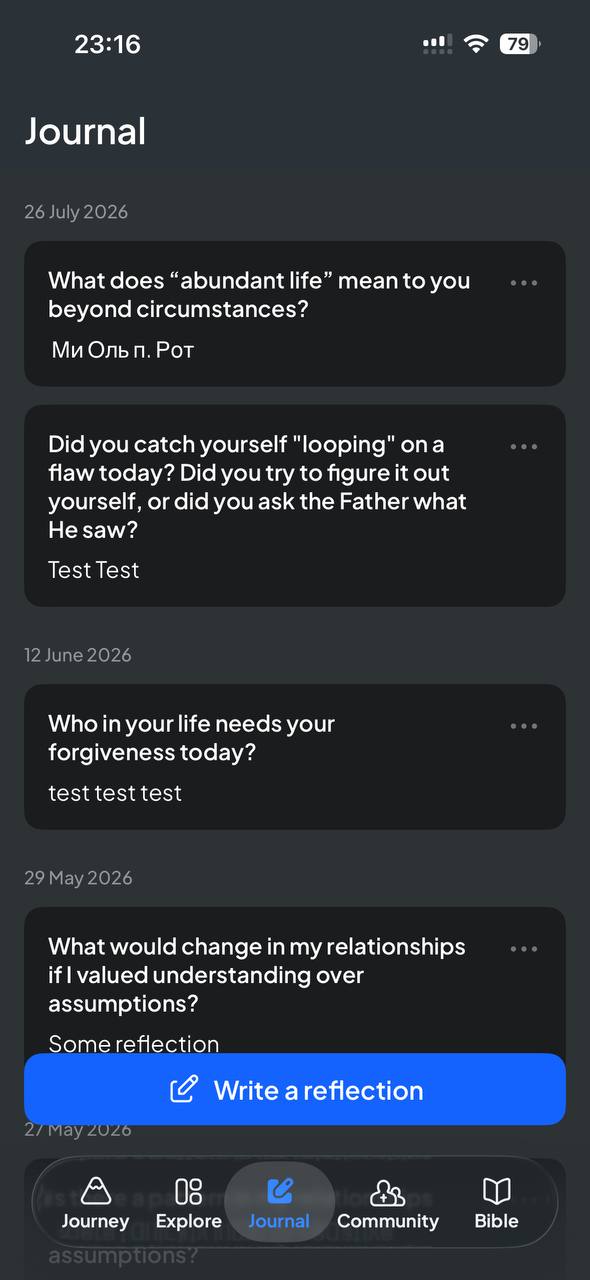
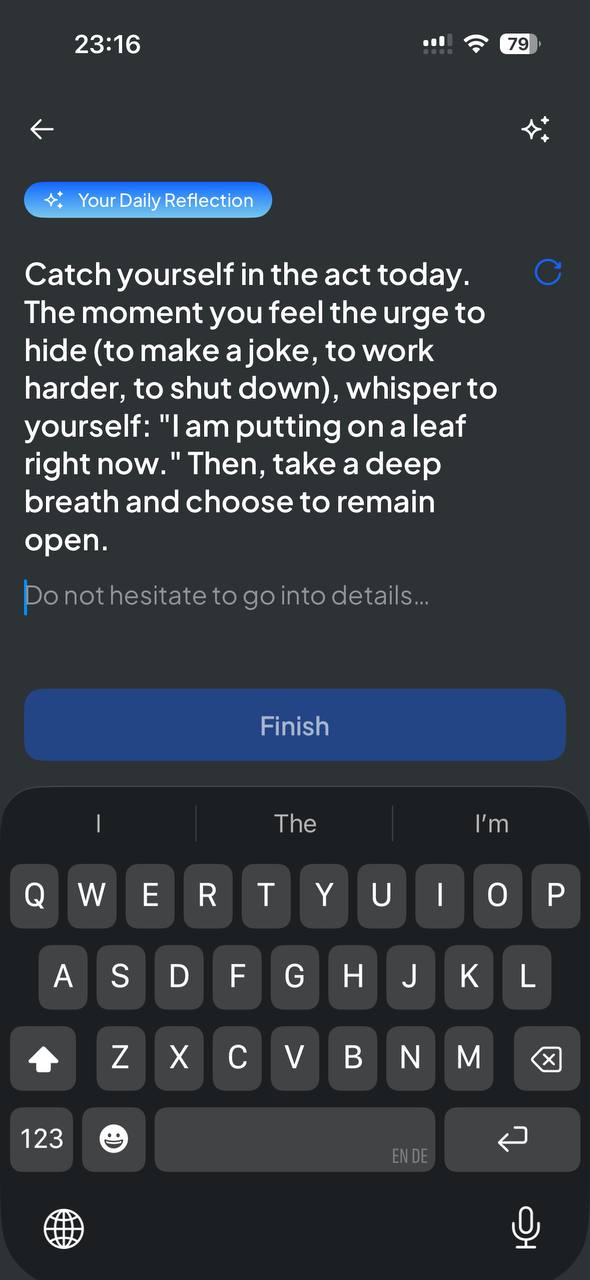
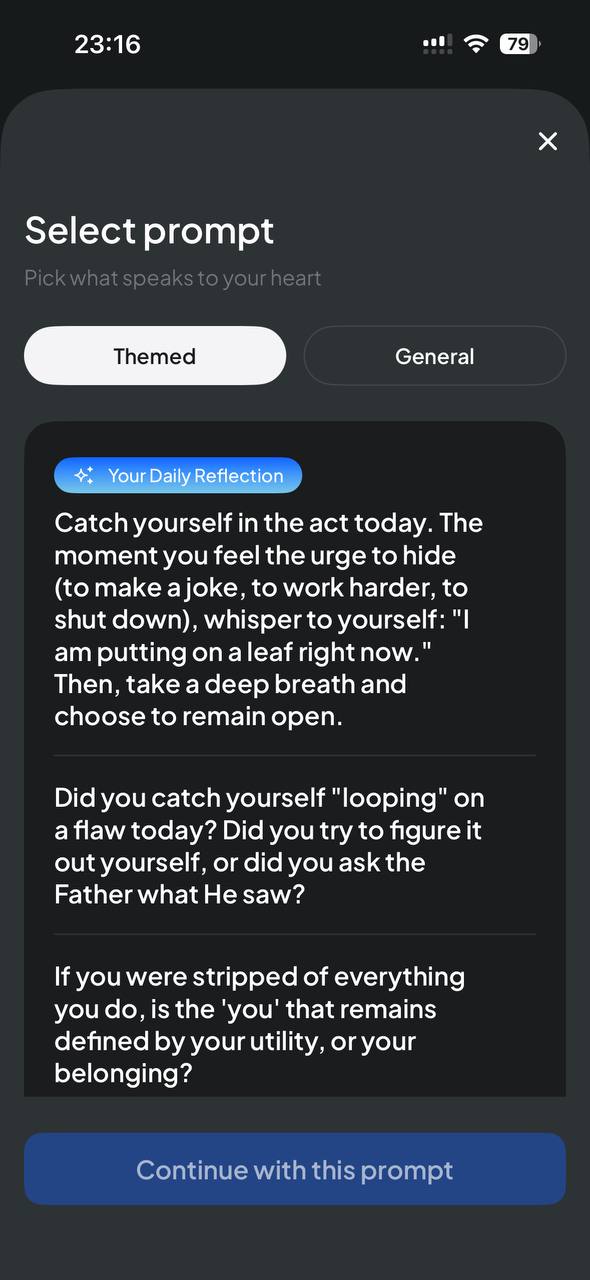
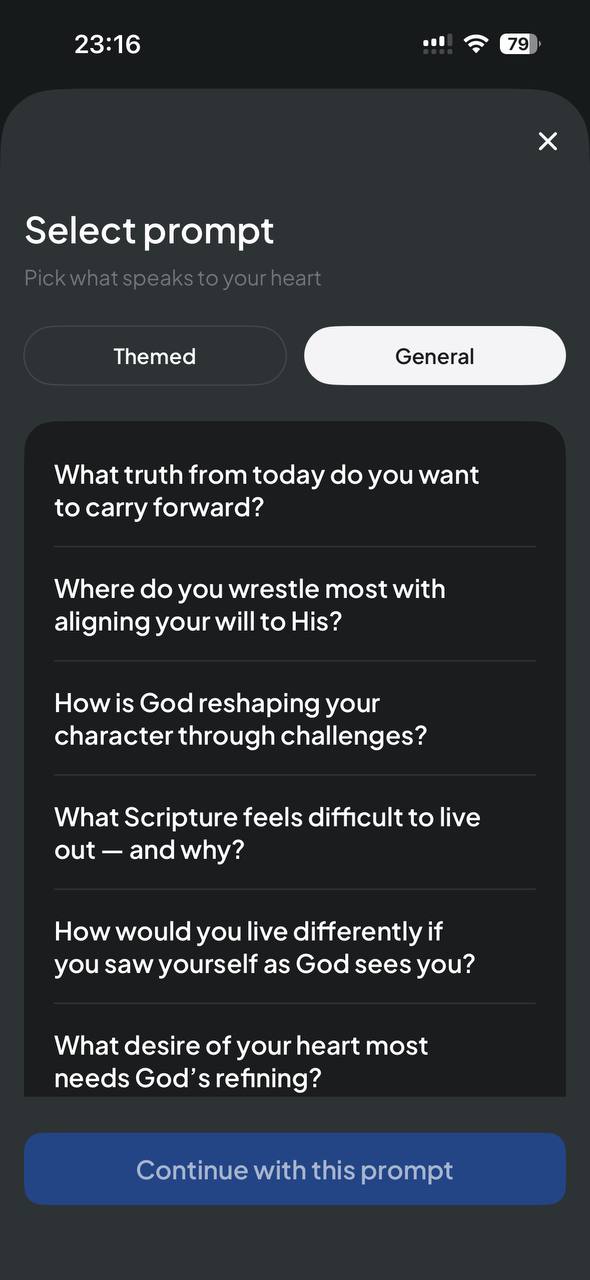
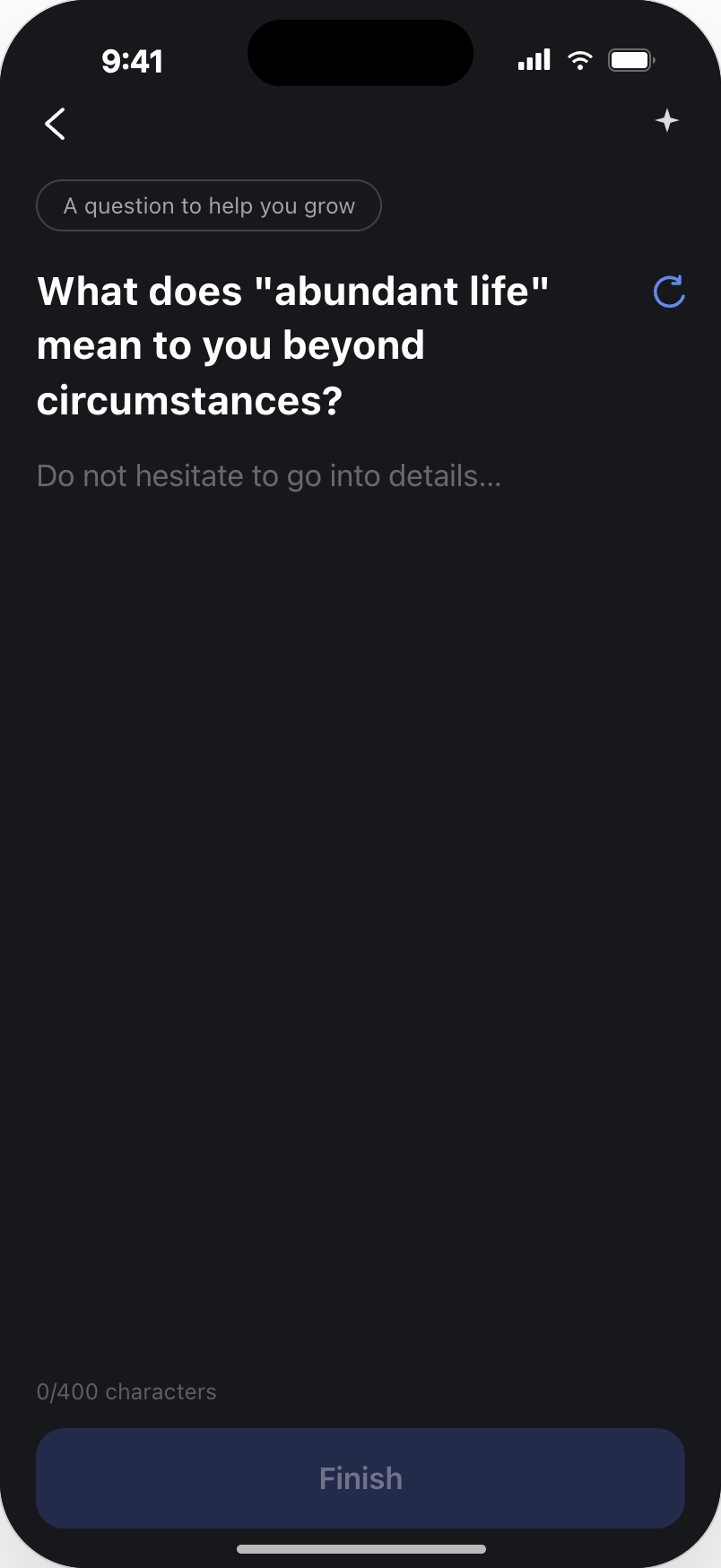
Guided prompts, a written reflection, and a saved entry.
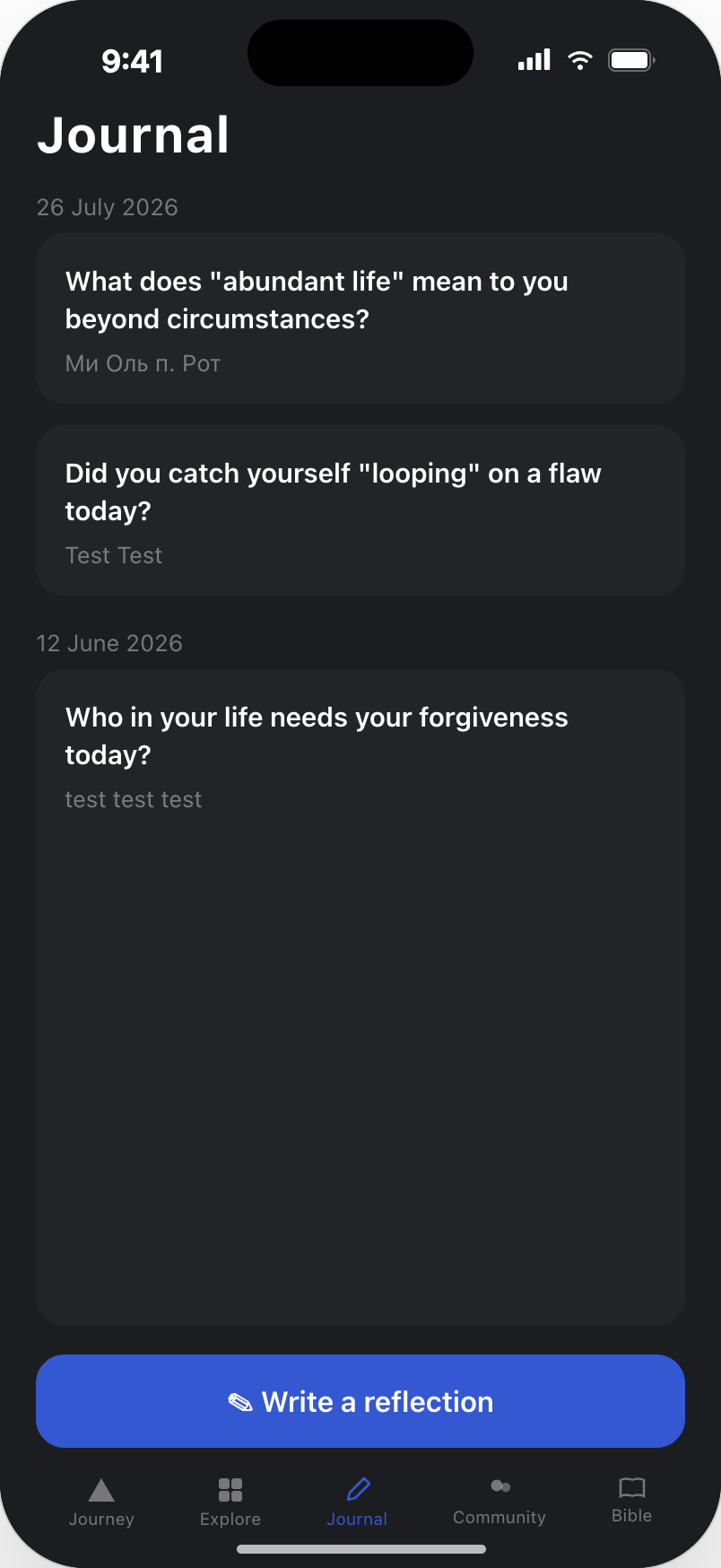
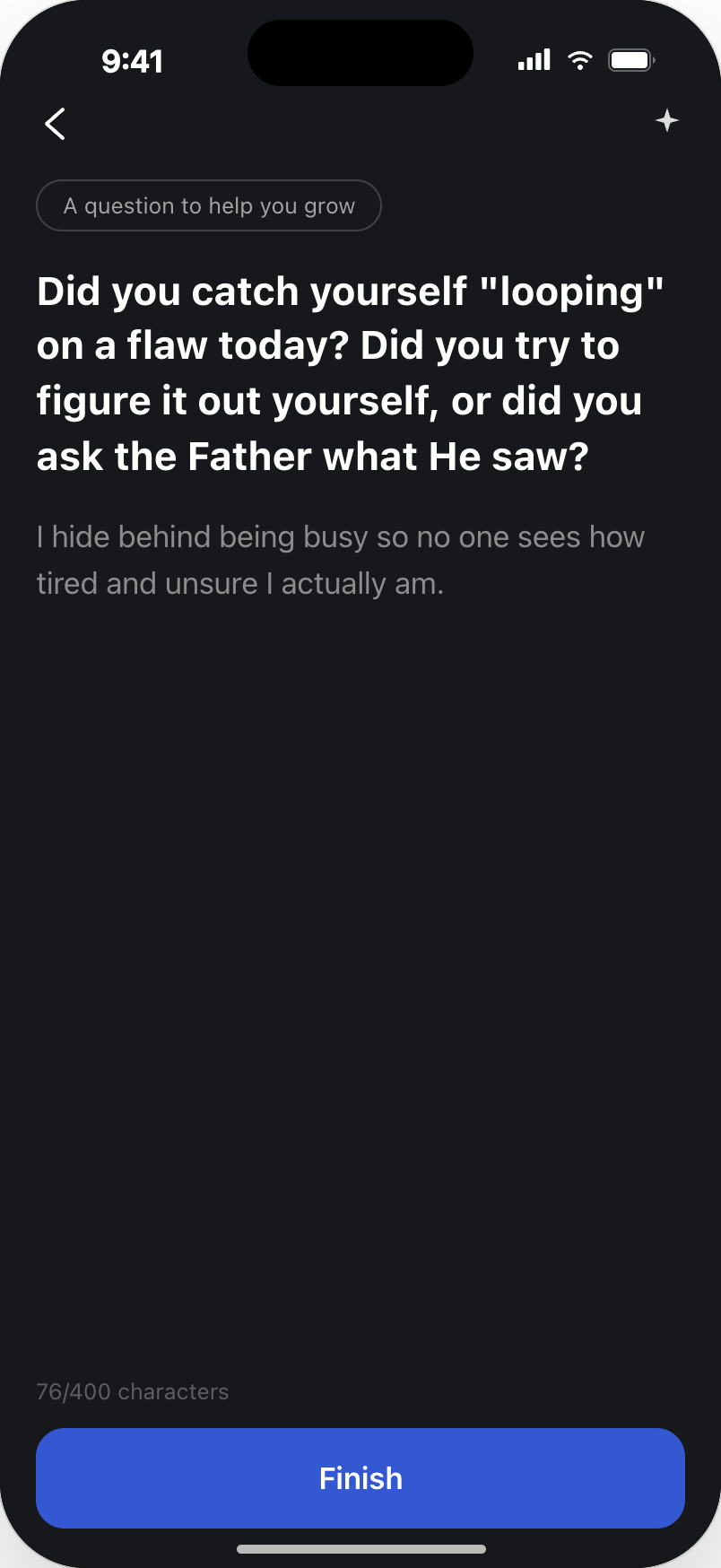
Existing screens again. Journaling is the most private part of the product and the closest emotional neighbour of a prayer request: a daily prompt can be swapped for a themed or general one, writing is a single focused screen, leaving mid-entry is protected by a confirmation, and finished entries keep their question. This is where I saw the biggest unused opportunity.
BOUNDARY
Everything above this line is DUOMO’s existing product, shown as I audited it. Everything below is my work: the design concepts I proposed to increase adoption and repeat usage of Prayer Requests.
01f — My work — design concepts
Before and after: from a blank box to a guided, private, living prayer.
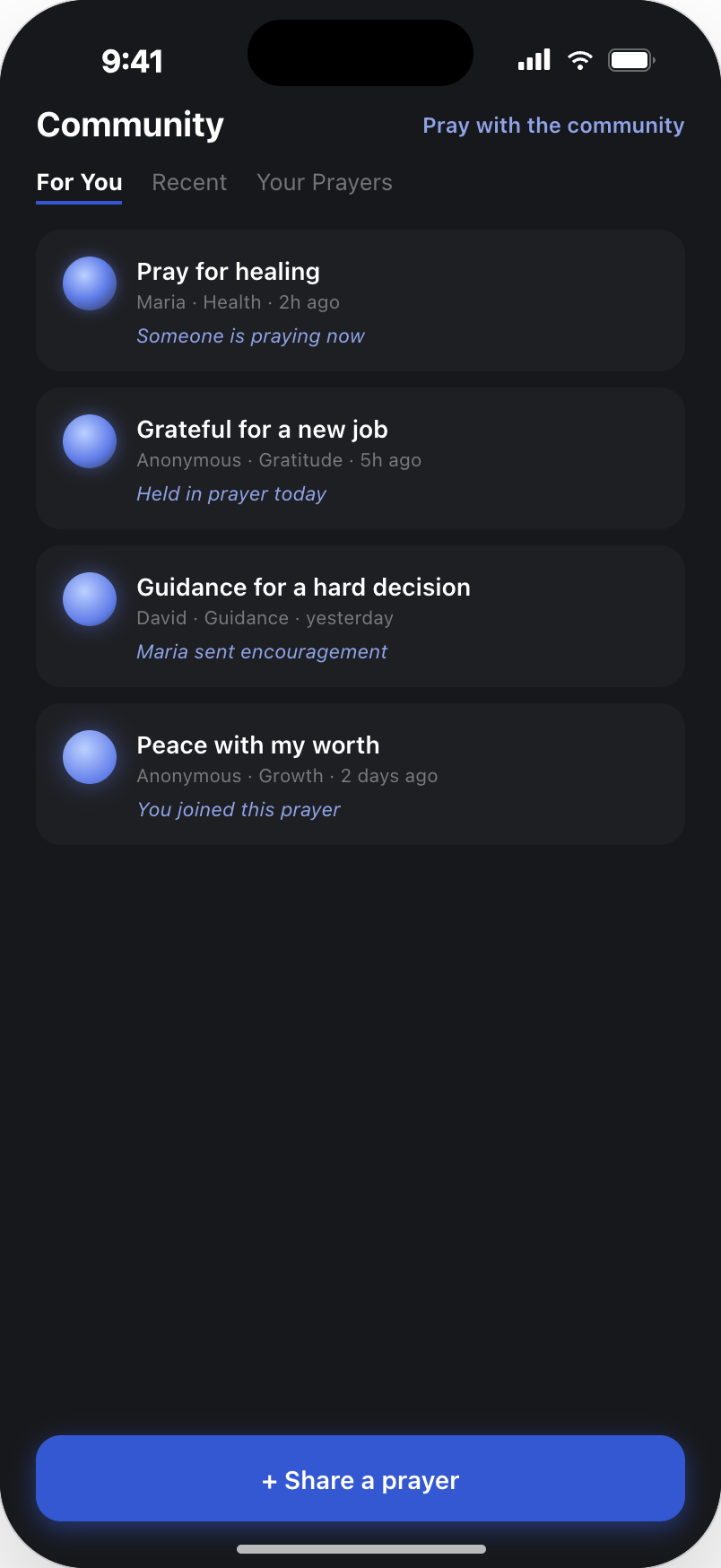
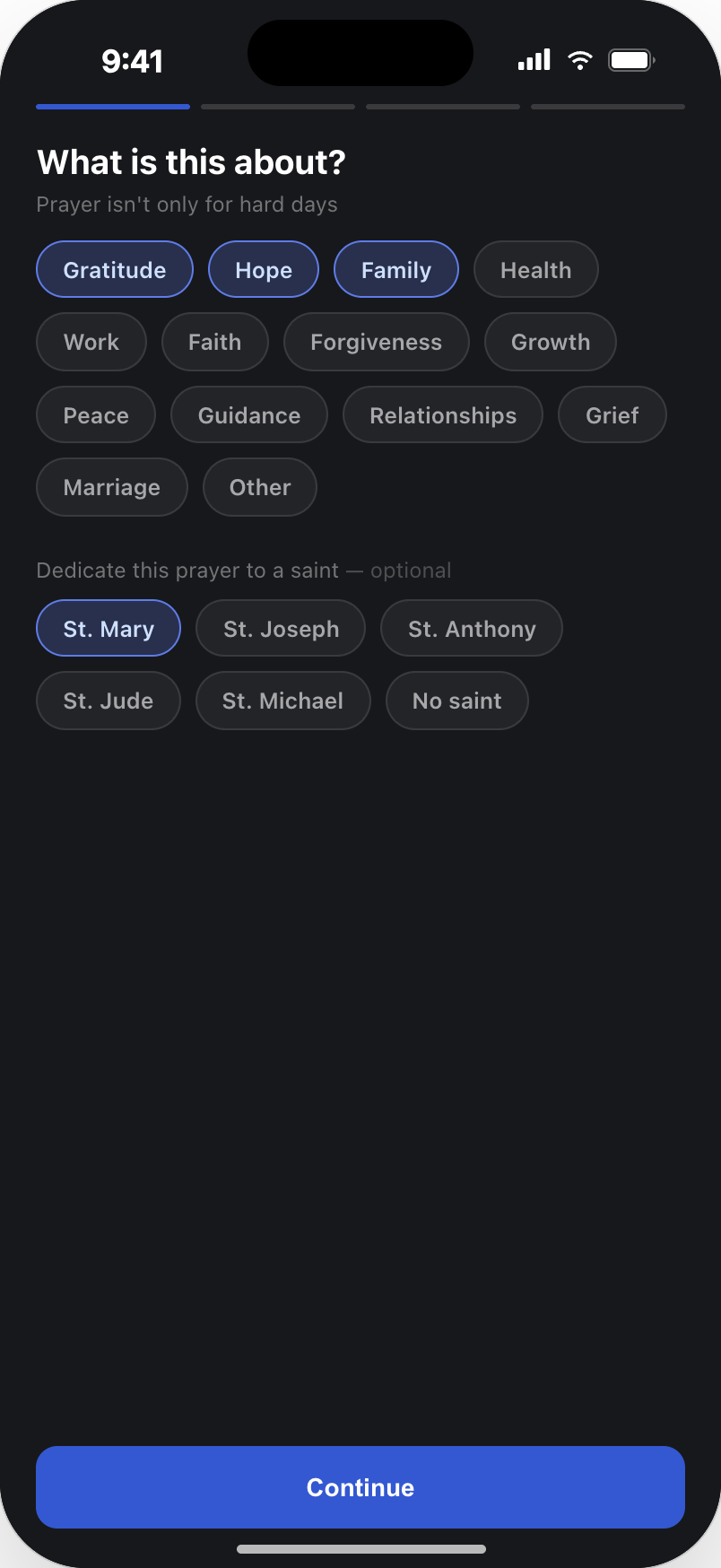
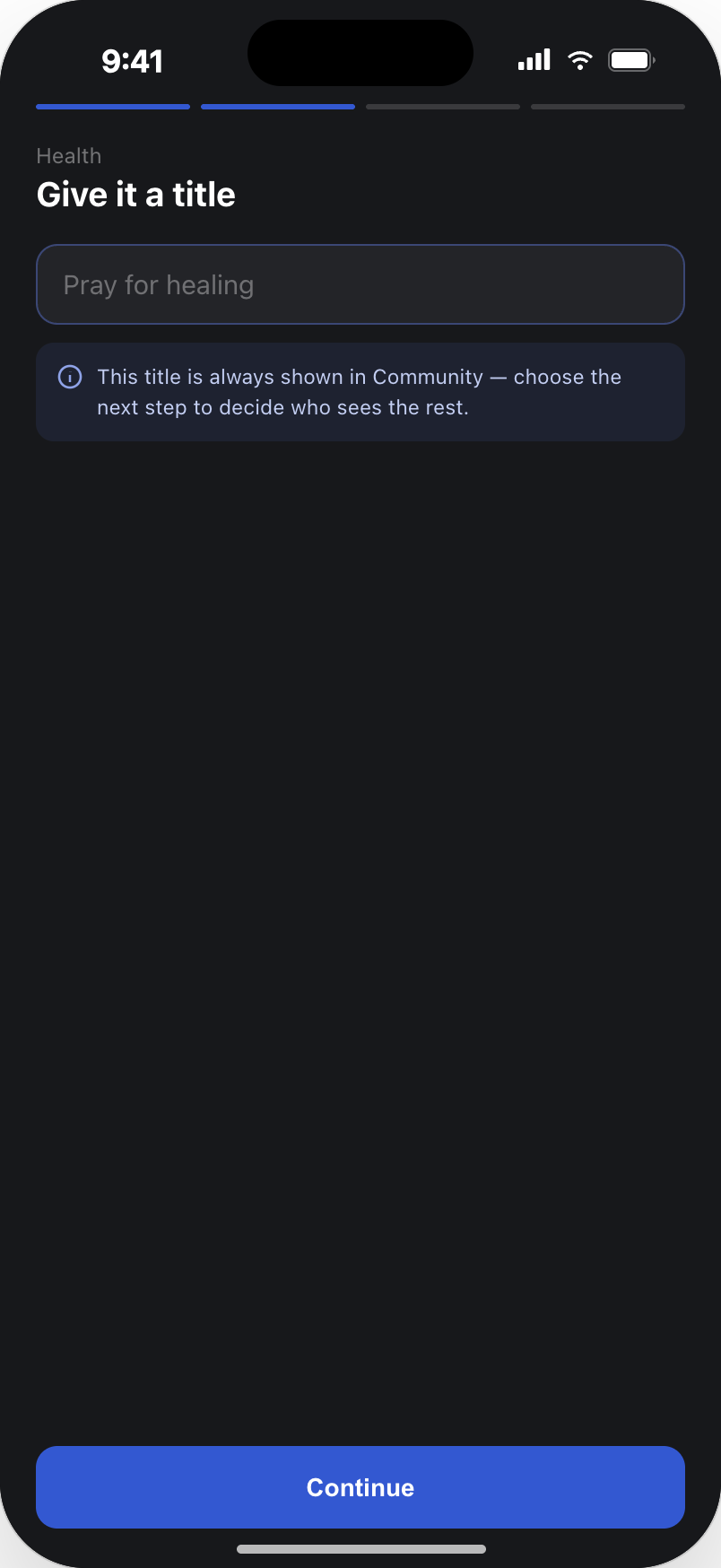
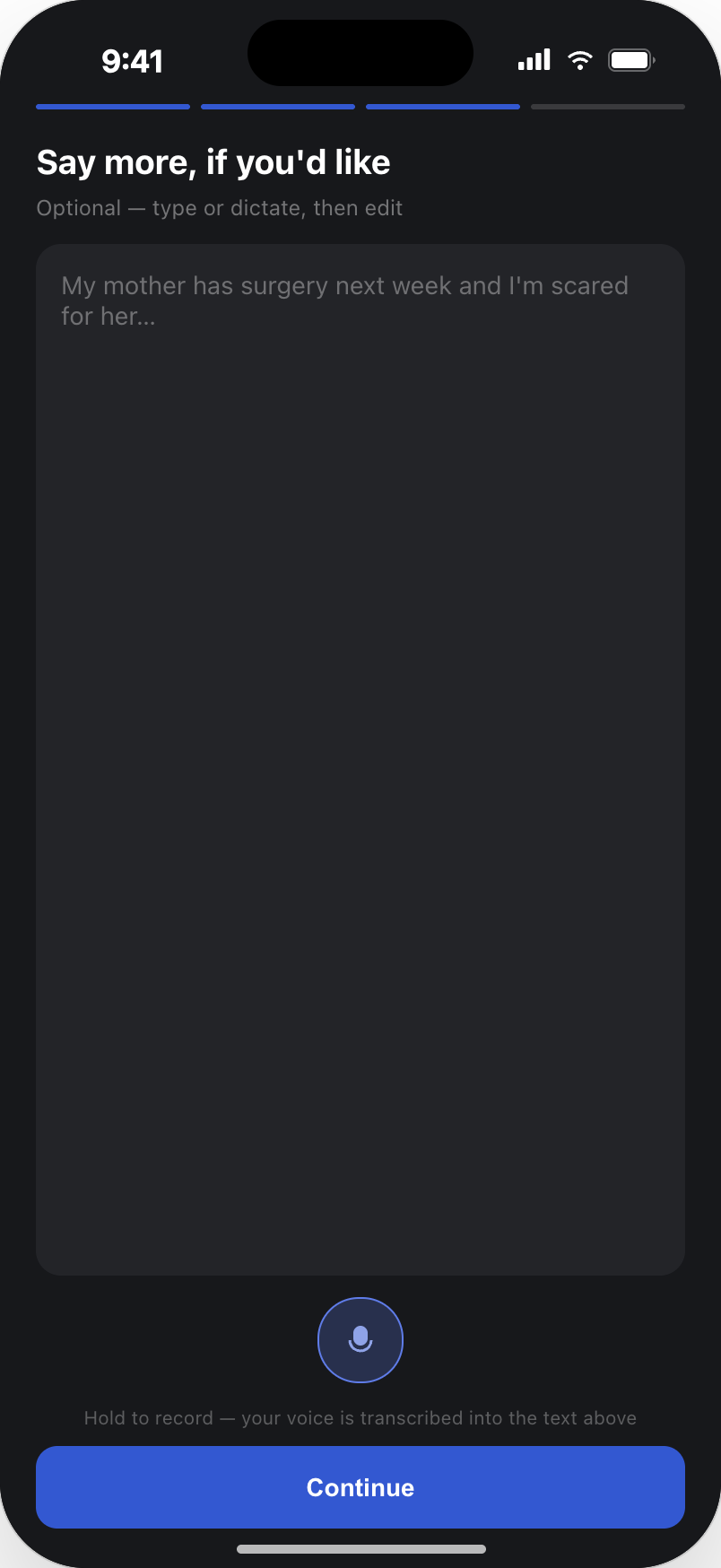
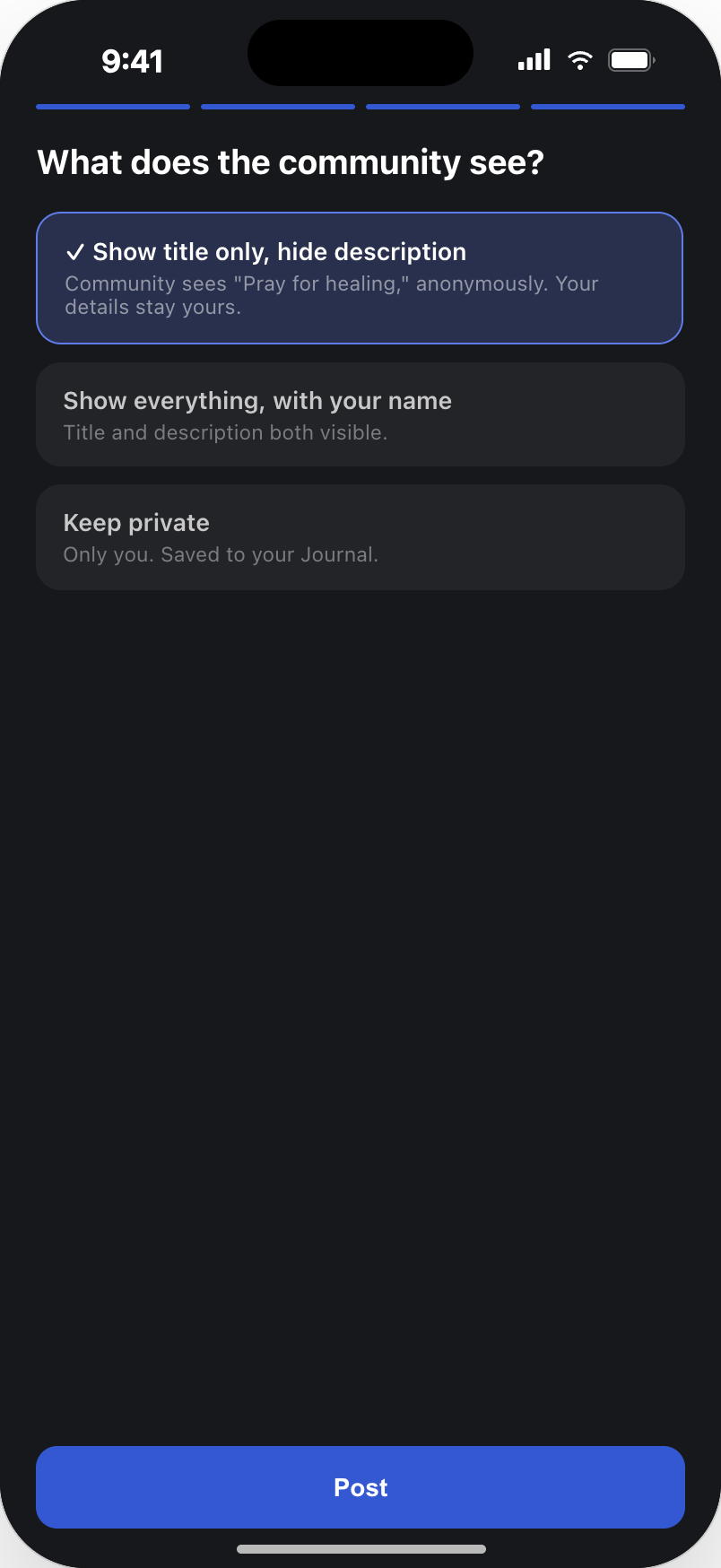
This section is my contribution. The original flow asked people to write their pain into an empty field and post it publicly in a tab they rarely opened. My proposal splits that into small answerable steps, makes privacy an explicit choice instead of a default risk, moves the invitation into the emotional moments of the day, and turns a posted request into something that visibly keeps living once other people join it.
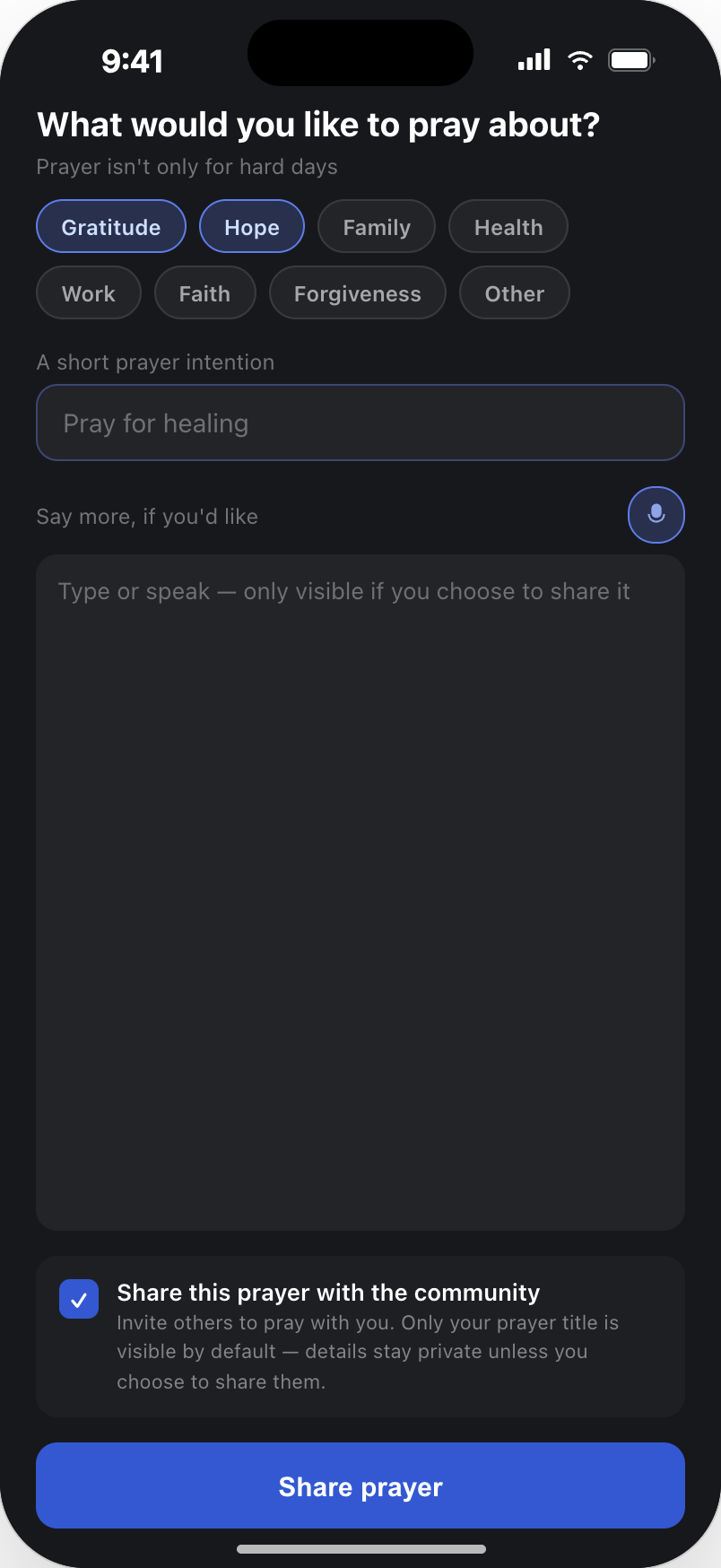
The stepped creation flow
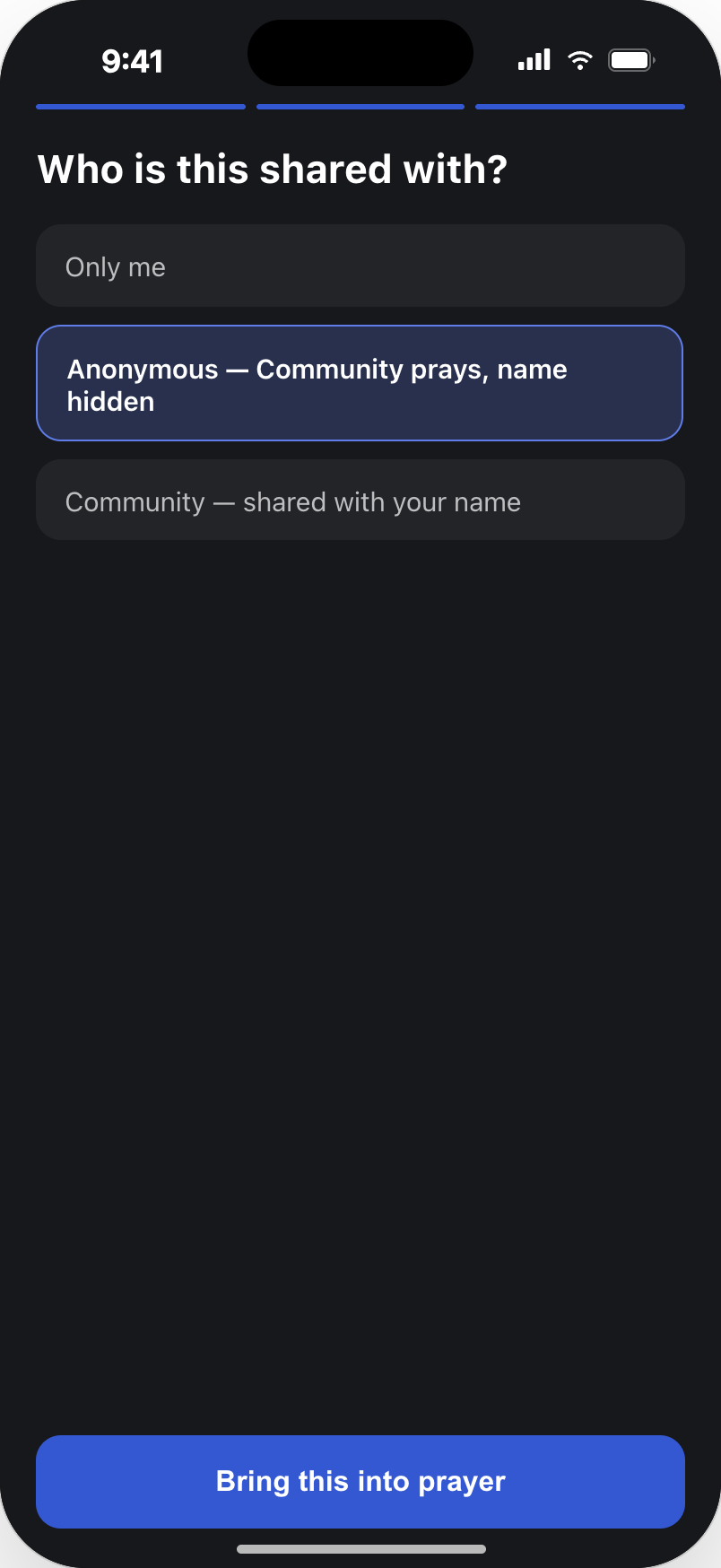
Four short steps replace the blank page. Theme first, because naming the area is easier than naming the feeling. A short title next, which is the only thing the community always sees. Details are optional and can be dictated instead of typed. Visibility is the final, explicit decision — title only, everything with a name, or private and kept in the Journal.
A prayer that keeps living
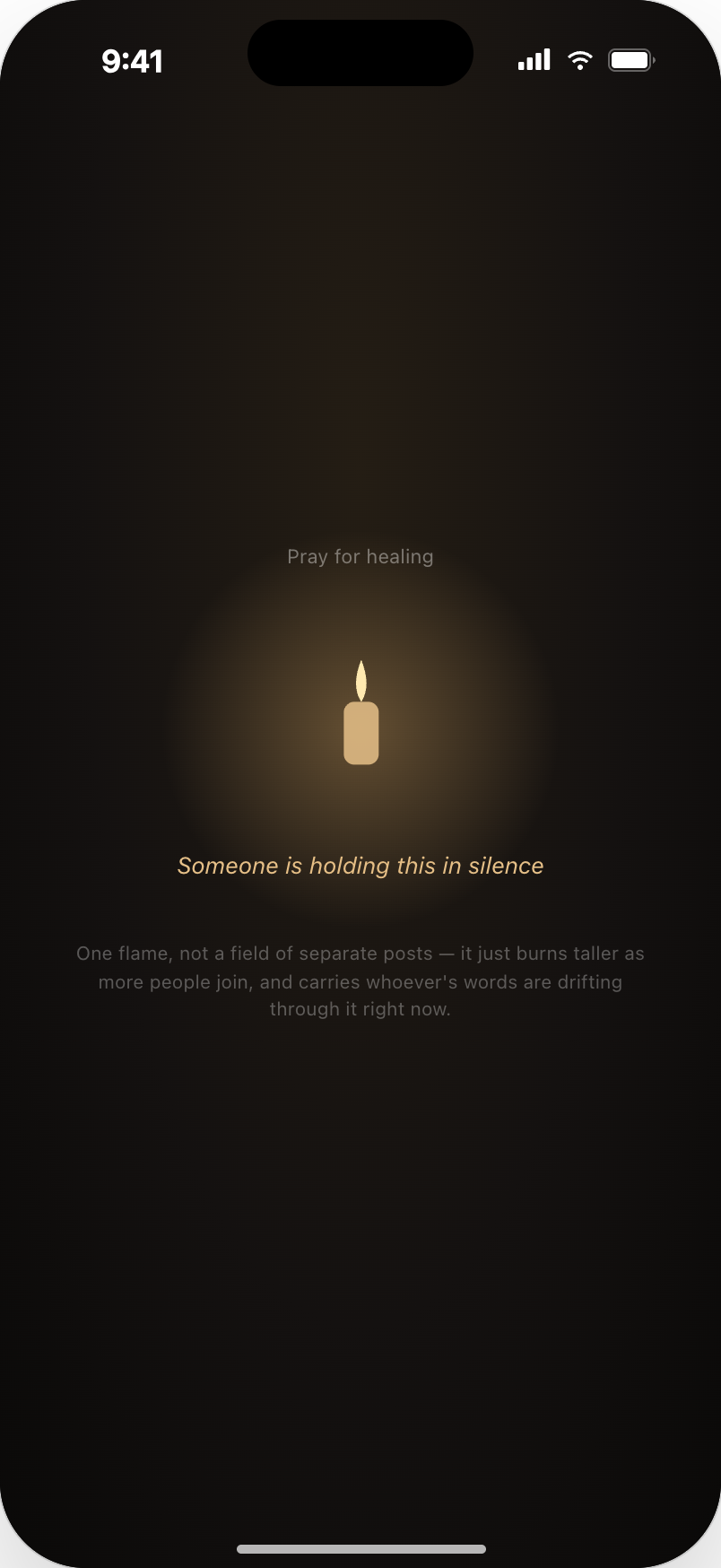
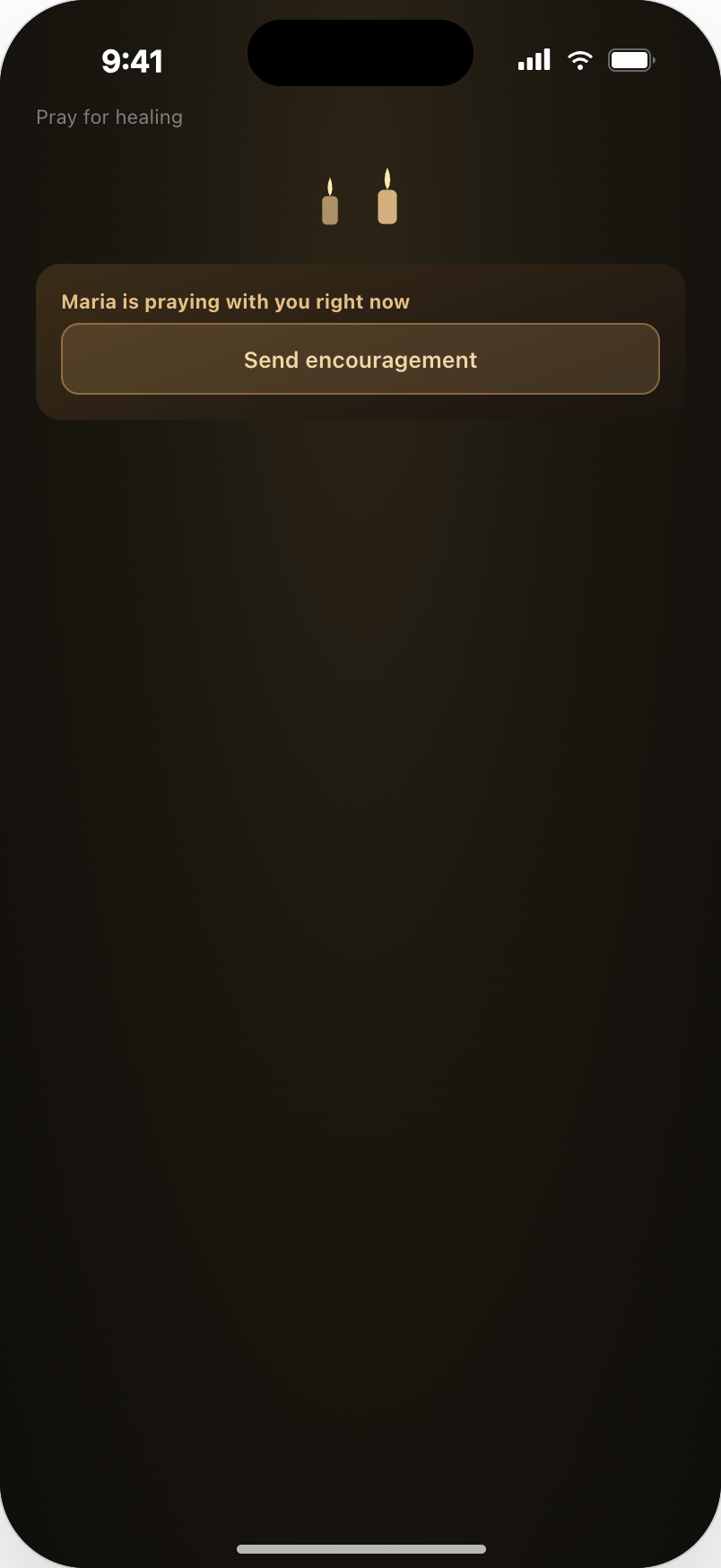
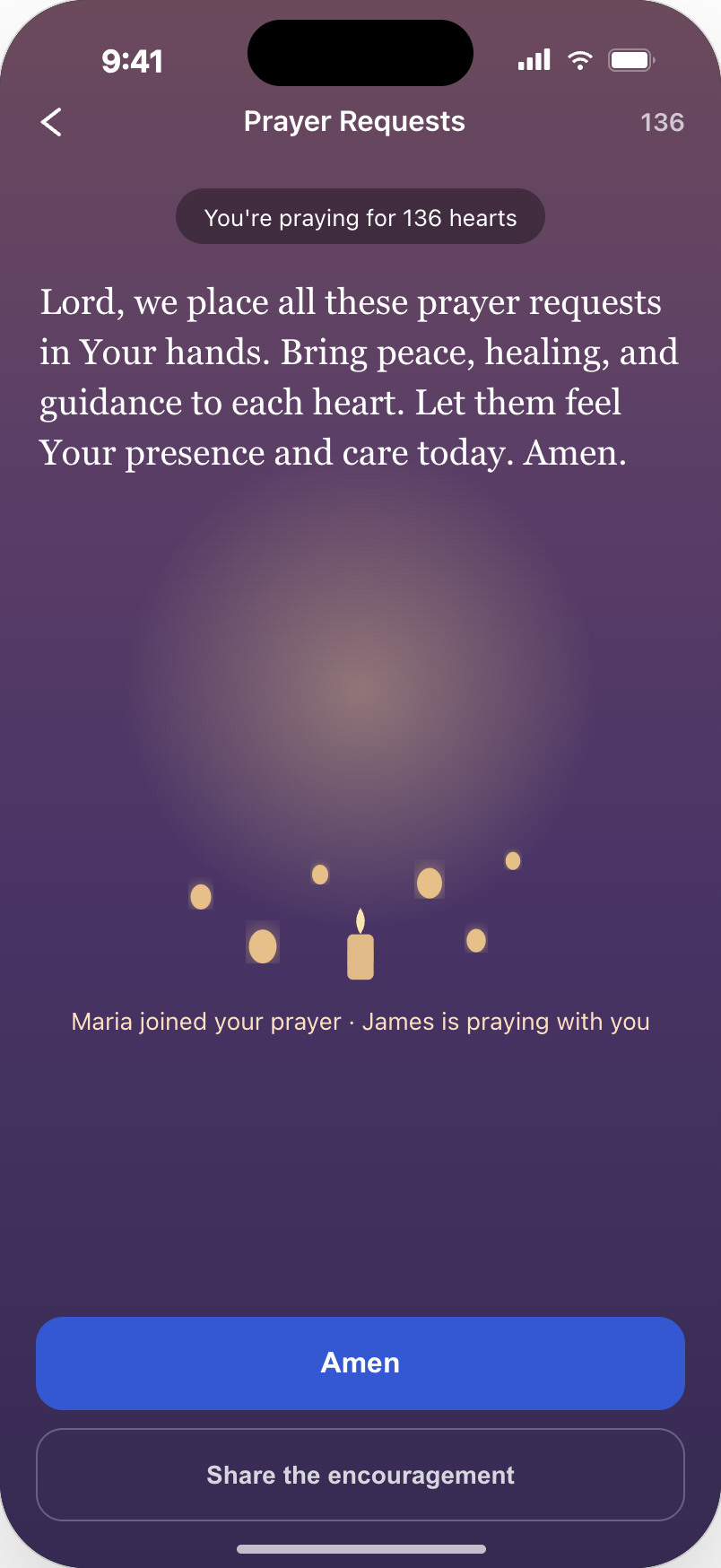
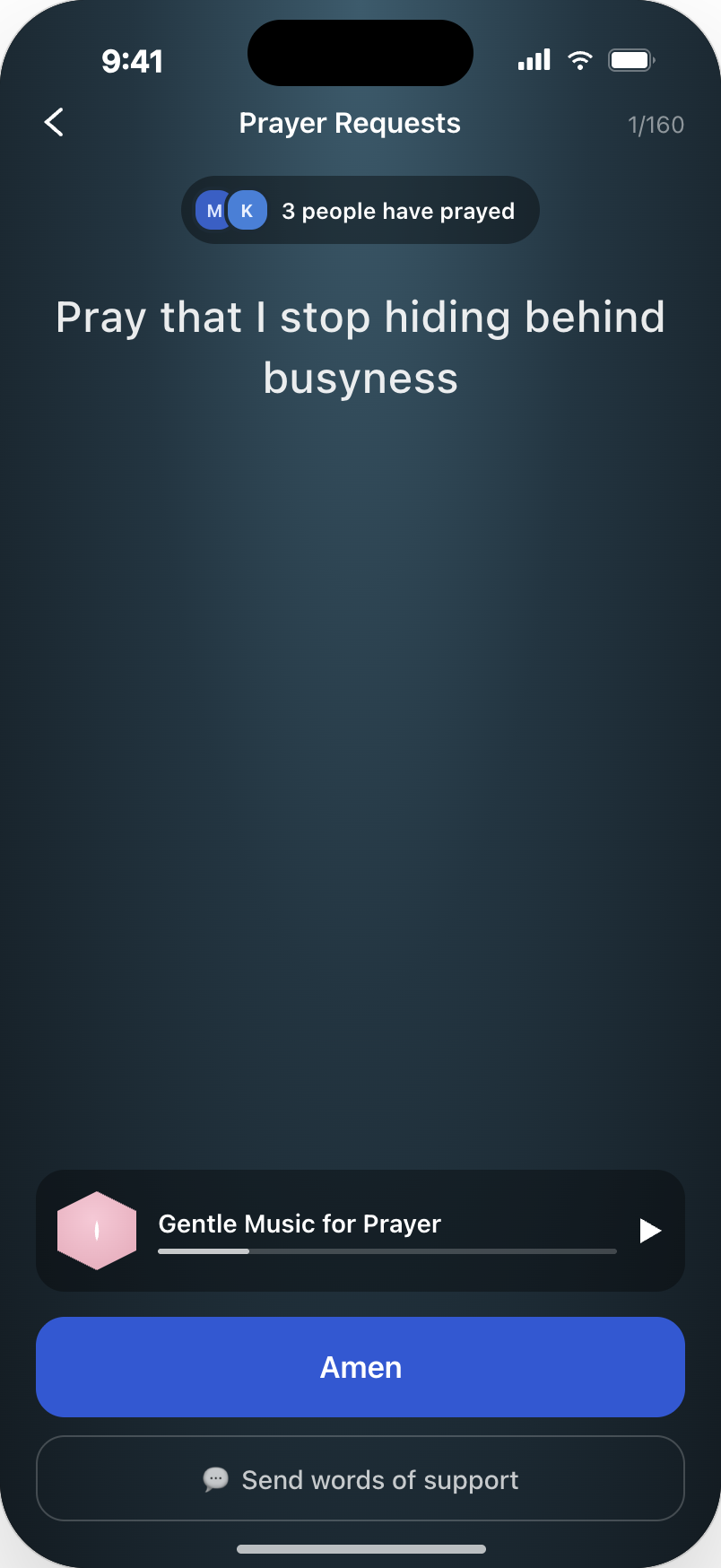
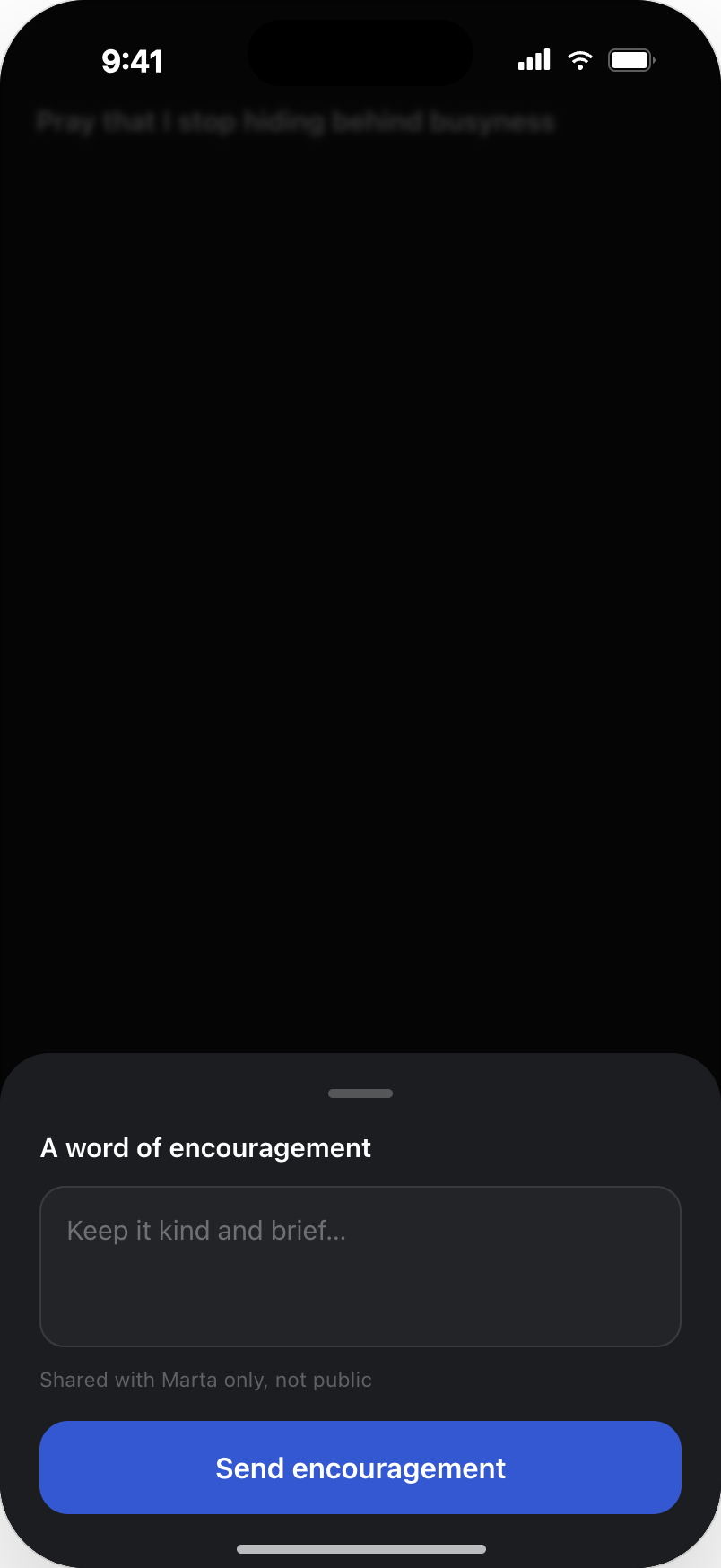
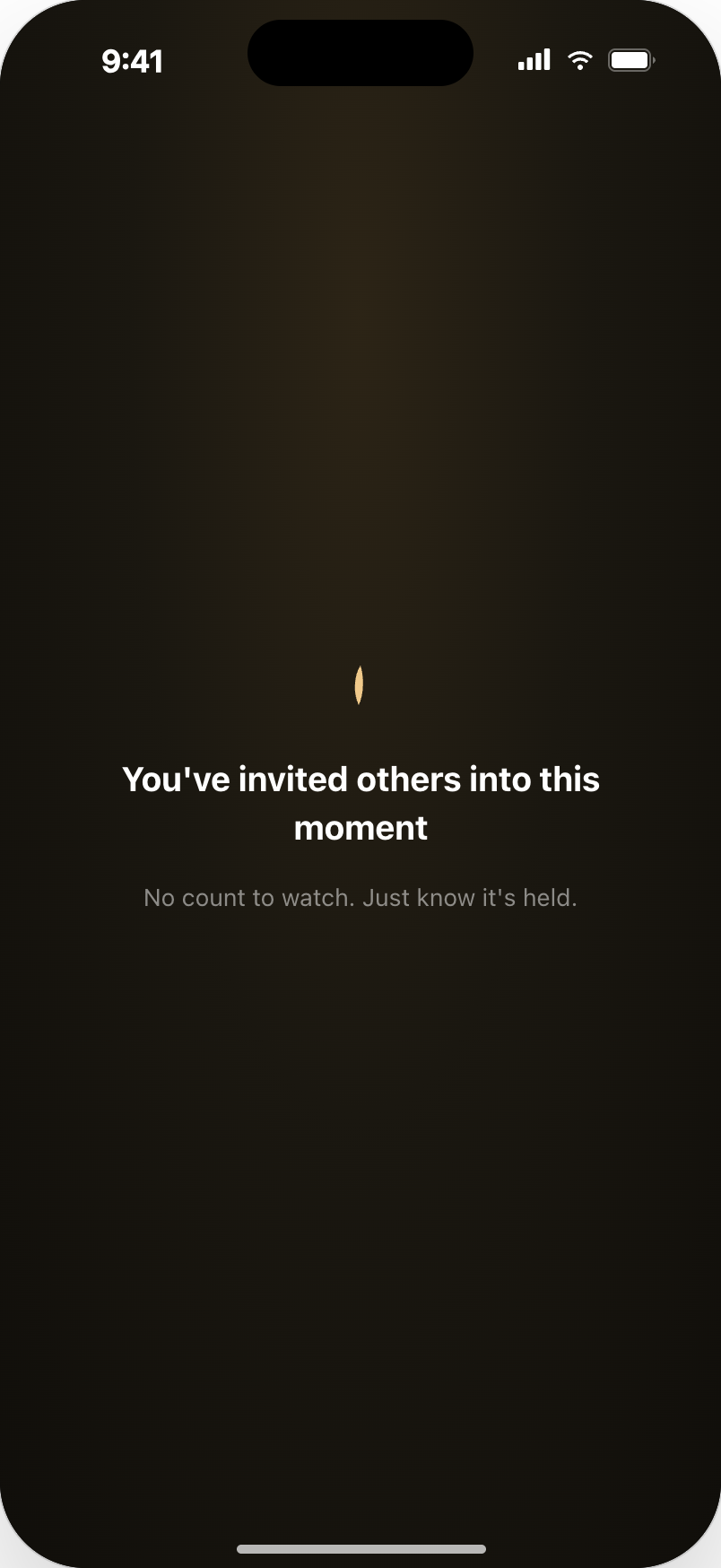
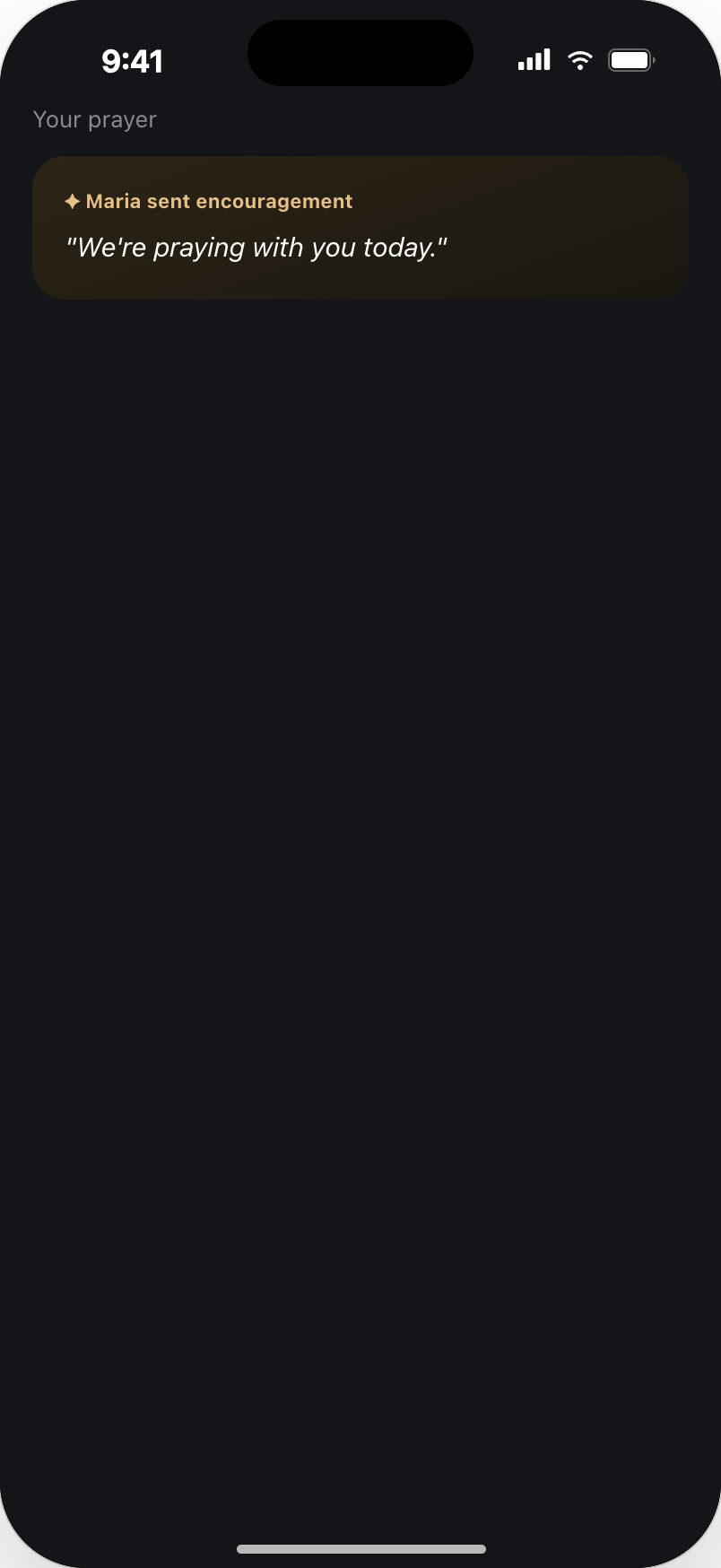
After posting, the request is not a post with a like count. It is one shared flame that grows as more people join, and the owner receives quiet, human signals — someone is holding this in silence, someone is praying with you right now — with a single way to answer back.
Asking for prayer where the need appears
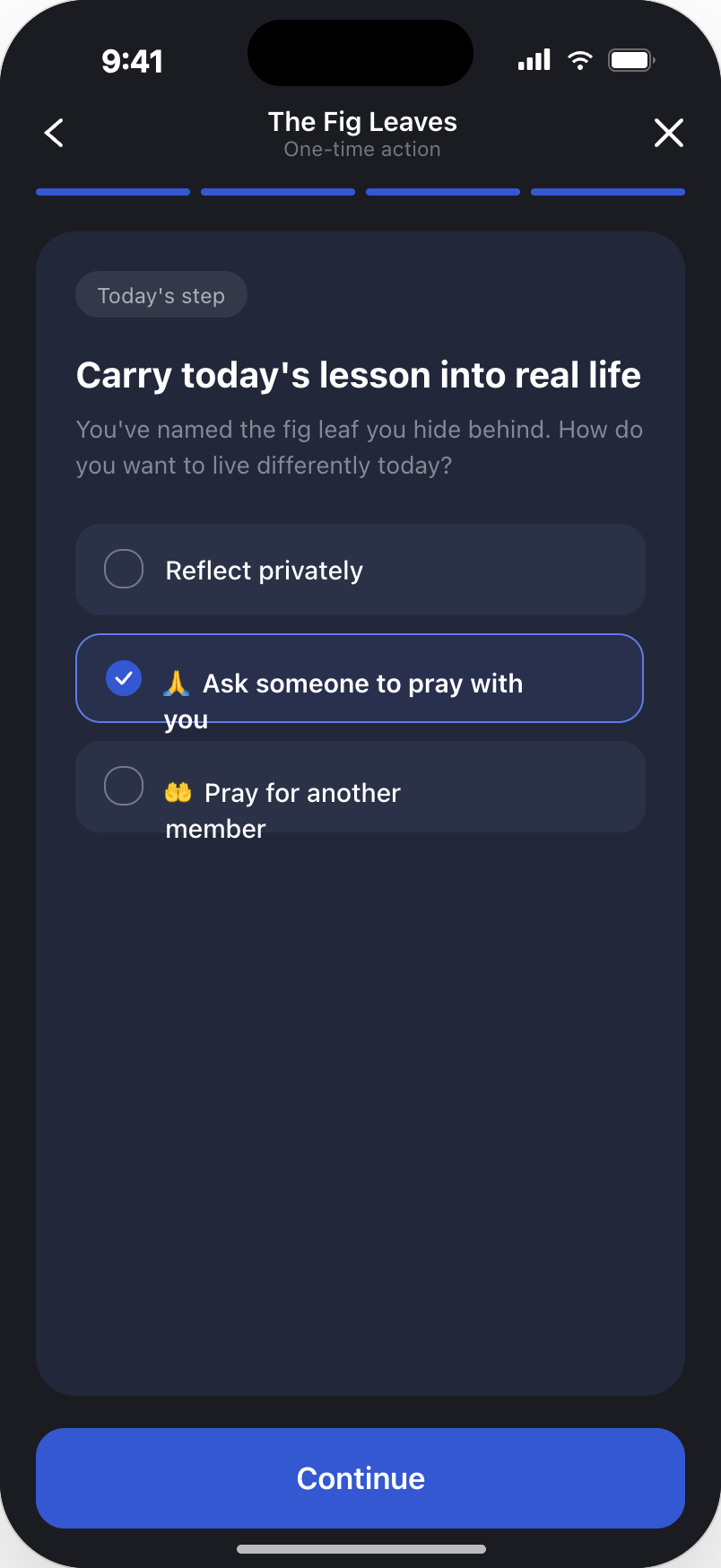
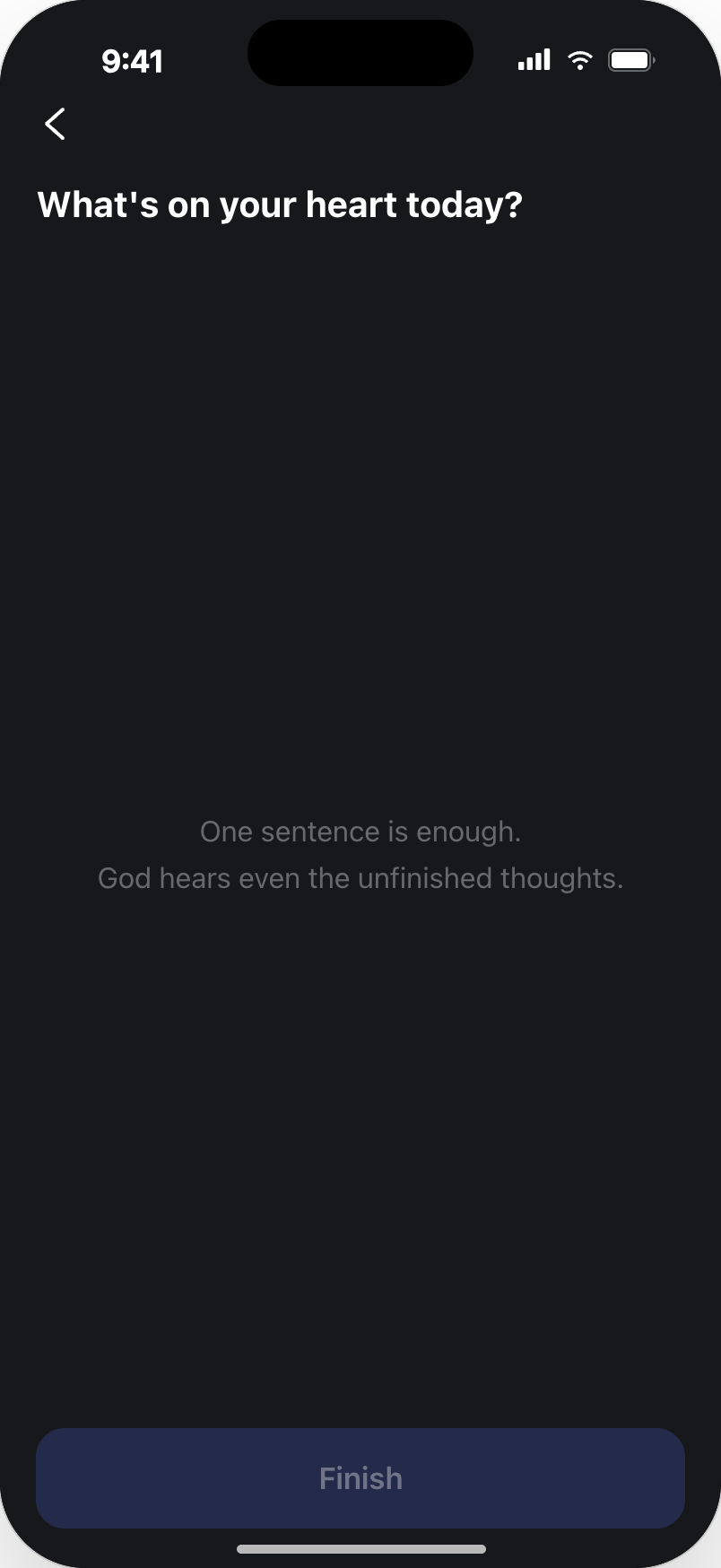
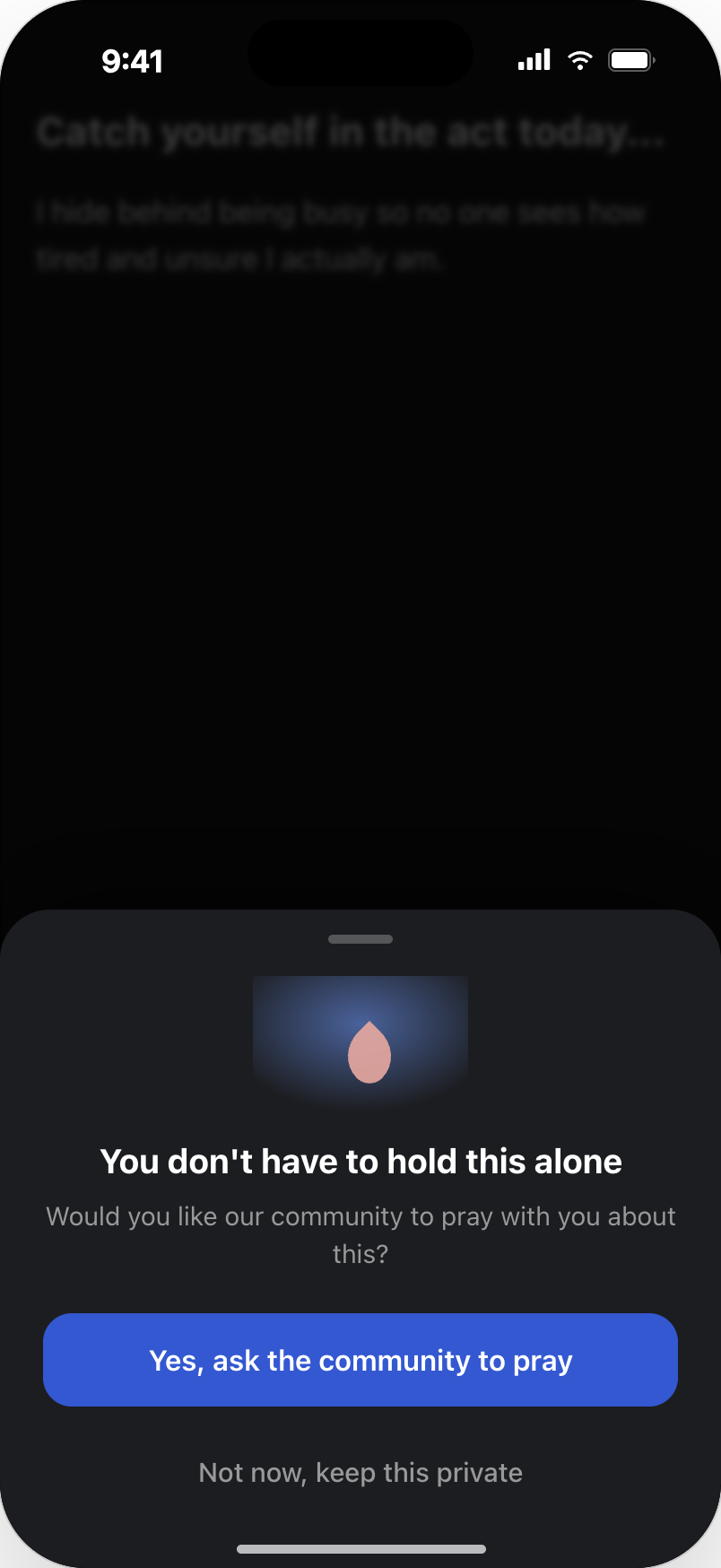
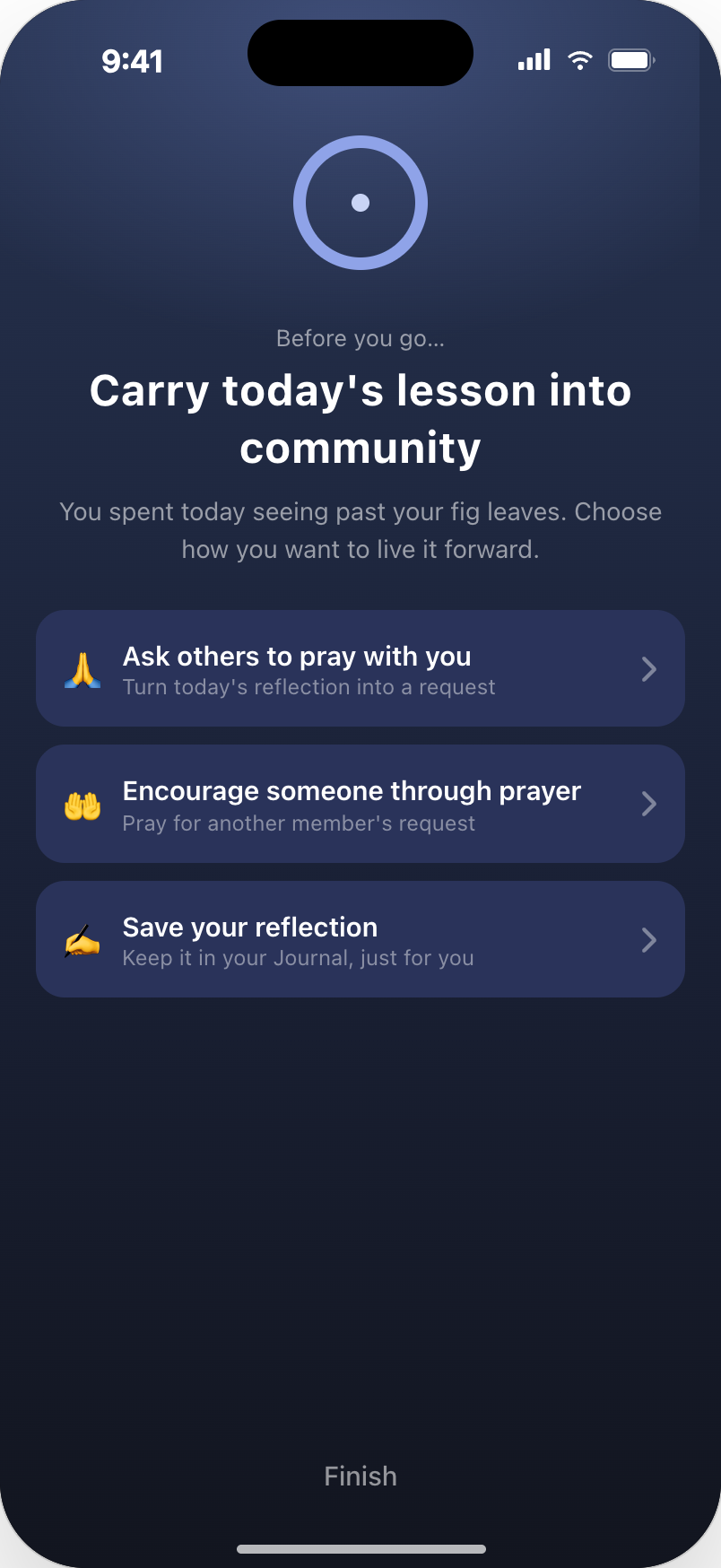
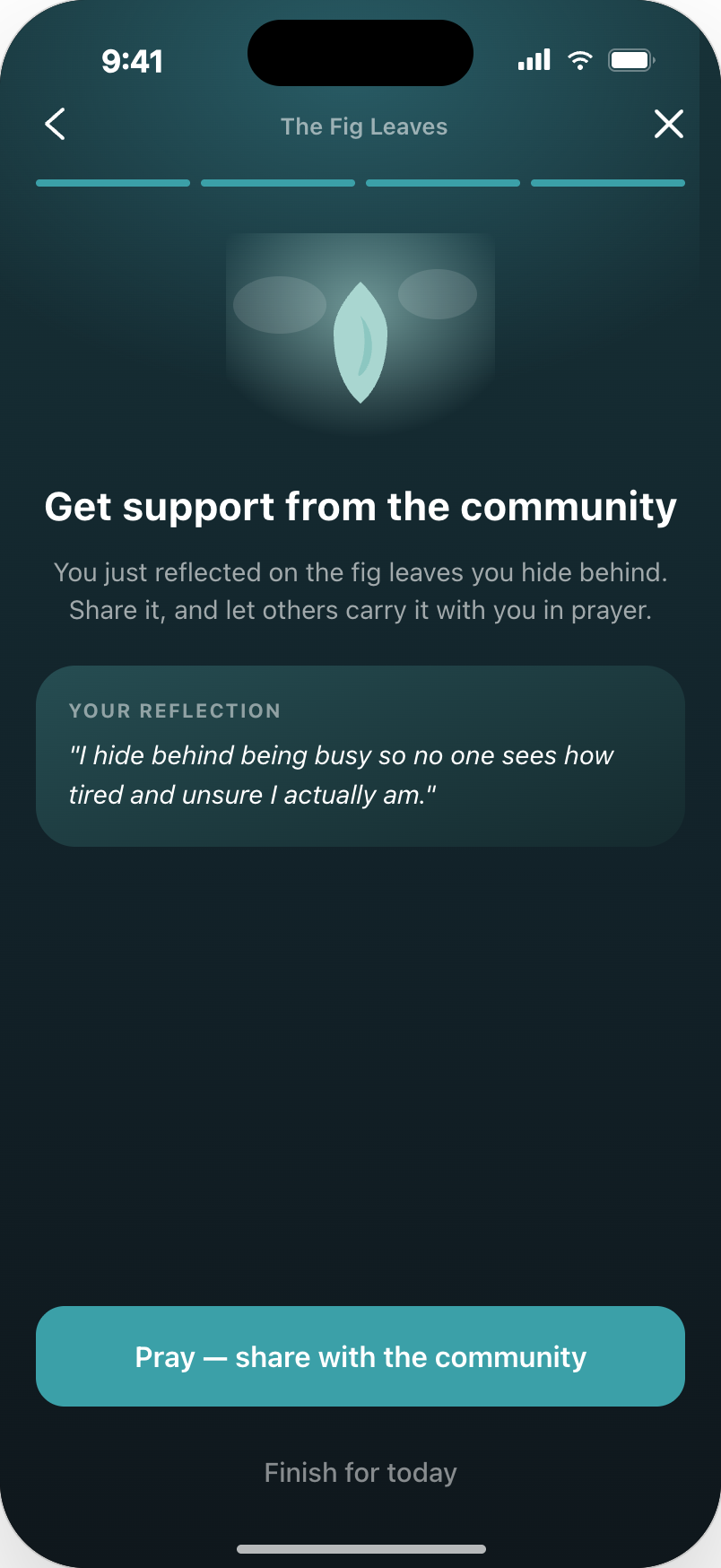
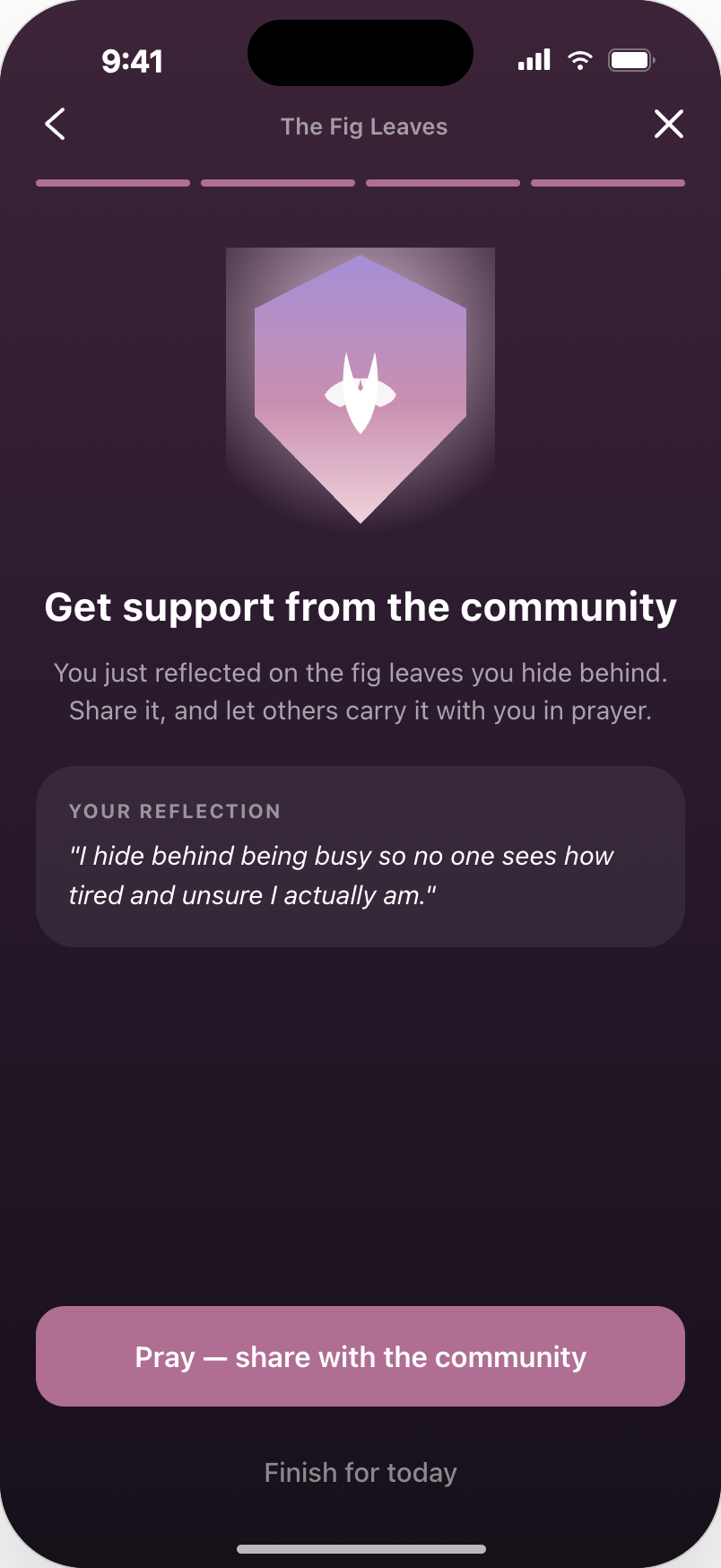
The strongest entry point is not the Community tab — it is the moment a reflection or a daily step surfaces something heavy. So the invitation appears right there: as an option inside the day's action, and as a gentle offer after a private reflection, always with an equally easy way to keep it private.
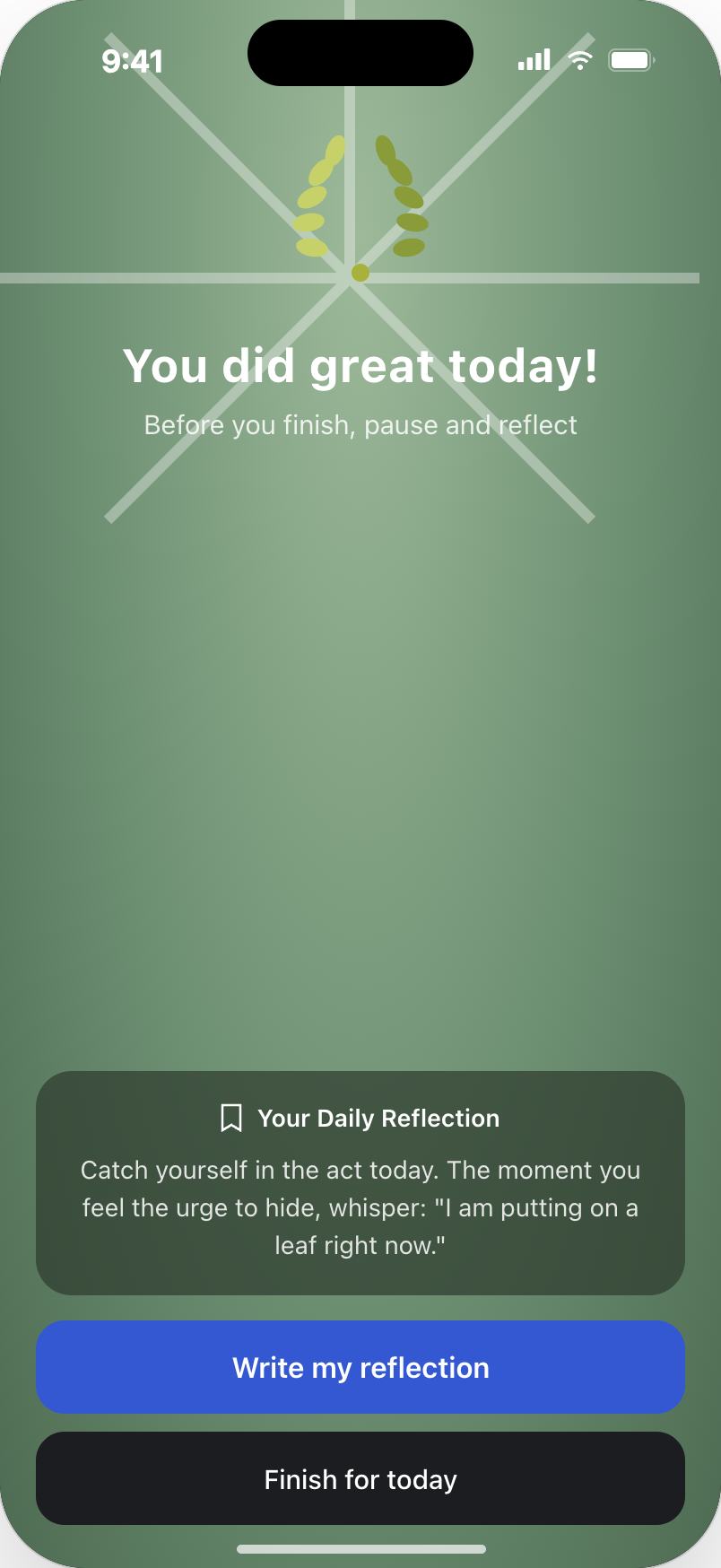
From the end of a day into a shared prayer
The full path: a day closes with a reflection prompt, the person writes it in the Journal, and only then is offered a way to carry it into community. Sharing is a continuation of what they already wrote, not a new task — and it stays anonymous unless they choose otherwise.
02 — Problem framing
Adoption was failing on four separate layers.
Framing it as four layers mattered: each one needed a different design answer, and fixing only the visible one — discoverability — would not have moved repeat usage at all.
DISCOVERABILITY
Prayer Requests lived in a separate Community tab, away from Journey, Scripture, reflection and journaling — the moments that actually create the need to pray.
→ People never met the feature at the point of need.
EMOTIONAL BARRIER
Asking for prayer means exposing something personal to strangers, with no clear sense of who sees it.
→ Willing users still didn't post.
CREATION FRICTION
One long free-text form asked for the whole story at once, with no structure and no privacy preview.
→ Requests were abandoned mid-writing.
WEAK FEEDBACK LOOP
After posting, almost nothing came back — no sense that anyone had actually prayed.
→ No reason to return or post again.
03 — Evidence
What users actually said.
68%
didn't know how to follow up on a prayer they had asked for
45%
were unaware Prayer Requests existed at all
28%
knew about it but didn't know how to start
04 — Opportunity map
Five possible entry points, ranked by more than reach.
Each candidate was scored on relevance, reach, effort, interruption and privacy risk. The winners weren't the loudest surfaces — they were the moments where asking for prayer already made emotional sense.
05 — Key assumptions
What had to be true for any of this to work.
- Emotional moments inside the Journey are the strongest invitation to ask for prayer.
- Users will share when they control exactly what becomes public.
- A short public title plus private context lowers the emotional barrier.
- Visible participation — not counters or comments — is what makes people return.
- Existing prayers can pull people back without any new content being created.
06 — Design concepts
Four concepts, one per layer of the problem.
CONCEPT 01
Contextual prayer entry
Invitations appear right after a reflection, a journal entry or a chapter prayer — never on a fixed schedule. Selective triggers and cooldowns keep the app from nagging.
CONCEPT 02
A sharing model people trust
A short public title, private context kept for the user, explicit share action, an anonymous-or-named choice, and a preview of exactly what the community will see.
CONCEPT 03
Guided creation
The heavy single form becomes a few light steps: what to pray for, how much to share, who you are. Each step is answerable in one breath.
CONCEPT 04
A living prayer experience
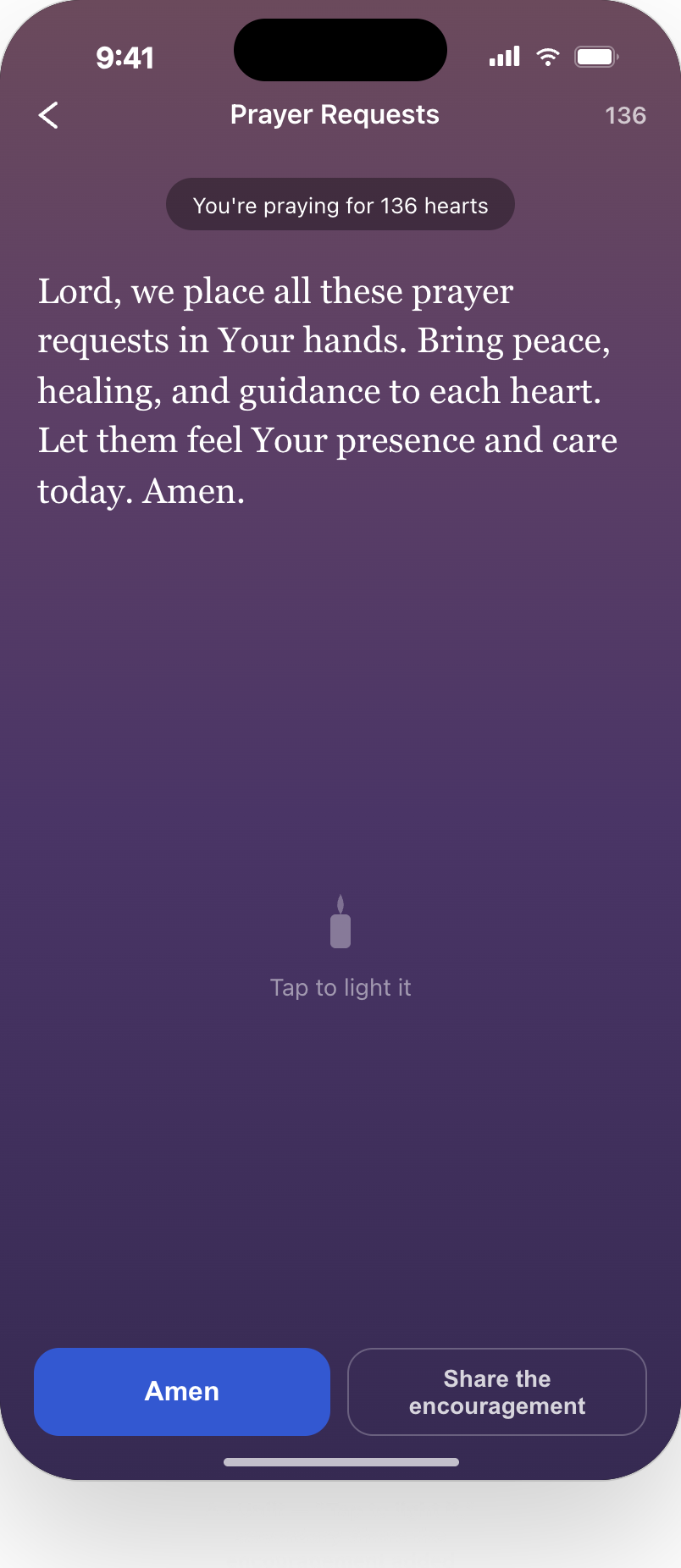
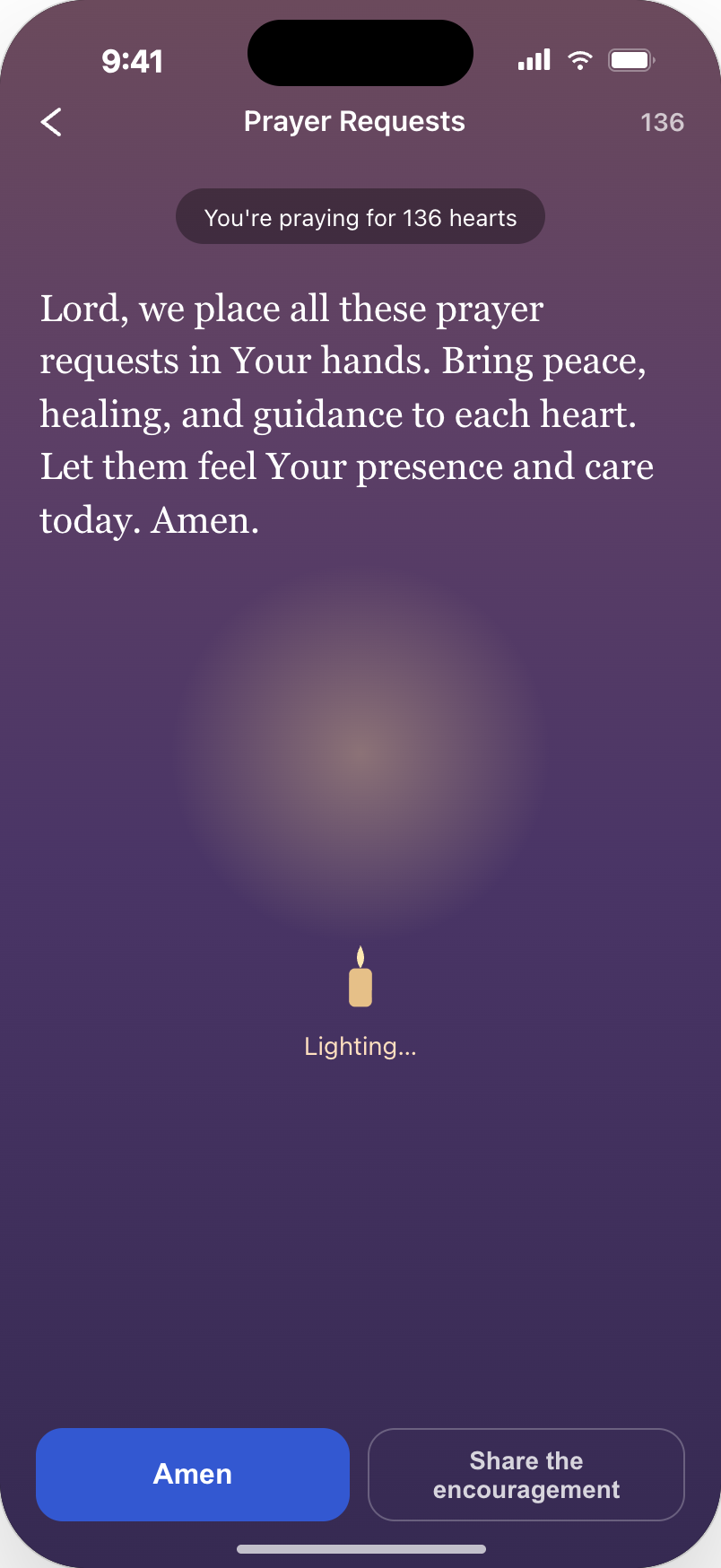
Requests become scannable in the list and alive in detail: warm light, presence of people praying, and a private one-way encouragement instead of comments, likes or threads.
10 — Success metrics
How the work would be judged.
Adoption
Share of users who create their first Prayer Request after a contextual invitation.
Participation
People praying for others per active request, and presence per request.
Repeat usage
Return rate to an existing request and second-request rate.
Guardrails
Prompt dismissal rate, opt-outs, reports and drop-off inside creation.
11 — Prioritization
Four experiments, in order.
Nothing shipped as a single redesign. Each concept was framed as an experiment with its own hypothesis, so the team could stop after any step.
Experiment 1
Daily reflection → invitation
Test the least intrusive contextual entry point first.
Experiment 2
Journaling → invitation
Highest-intent moment; measure conversion against Experiment 1.
Experiment 3
Guided creation & privacy
Reduce abandonment with staged creation and a share preview.
Experiment 4
Living prayer experience
Presence, warm light and encouragement to drive repeat usage.
12 — Risks & trade-offs
What I deliberately designed against.
ONE STATEMENT. THREE STEPS.
Prayer Requests grow when prayer is invited inside the journey — safely, lightly, and with something worth coming back to.
First
Validate the post-journaling invitation.
Then
Fix creation and privacy control.
Then
Build the participation and encouragement loop.